![Kangaroo-Rewards-App-Icon-BLUE-Oct-01-2025-07-47-23-2450-PM.png]](https://support.kangaroorewards.com/hs-fs/hubfs/Kangaroo-Rewards-App-Icon-BLUE-Oct-01-2025-07-47-23-2450-PM.png?height=40&name=Kangaroo-Rewards-App-Icon-BLUE-Oct-01-2025-07-47-23-2450-PM.png)
- Go to the Settings section in the business portal
- Go to the Business Profile & Branches section.
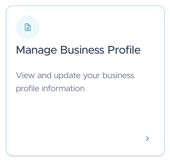
- Click on Manage Business Profile.
- Go to the Social Media Section under Basics and click on Manage Social Media Accounts.
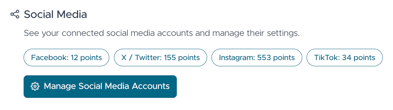
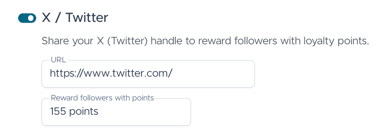
- Activate the social media platforms that you want to add.
- Add the URL to the fields and the number of points you want to reward the customers with.
- Click on Save on the bottom of the page.
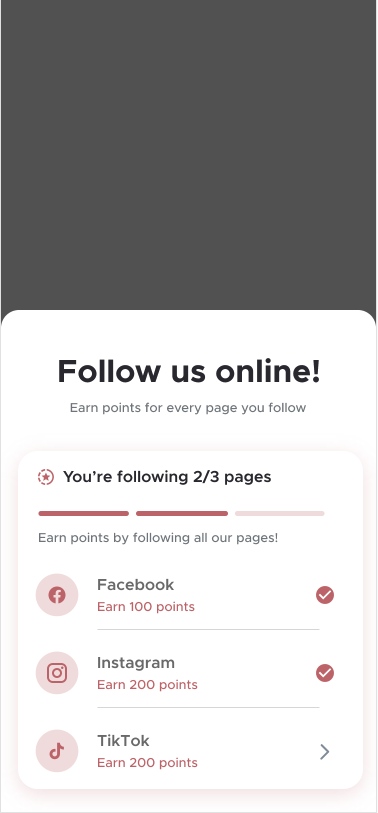
- On the application, customers can click on the social media tile and then click on the platform to be redirected to the account and follow.