![Kangaroo-Rewards-App-Icon-BLUE-Oct-01-2025-07-47-23-2450-PM.png]](https://support.kangaroorewards.com/hs-fs/hubfs/Kangaroo-Rewards-App-Icon-BLUE-Oct-01-2025-07-47-23-2450-PM.png?height=40&name=Kangaroo-Rewards-App-Icon-BLUE-Oct-01-2025-07-47-23-2450-PM.png)
- Go to the Heartland Screen.
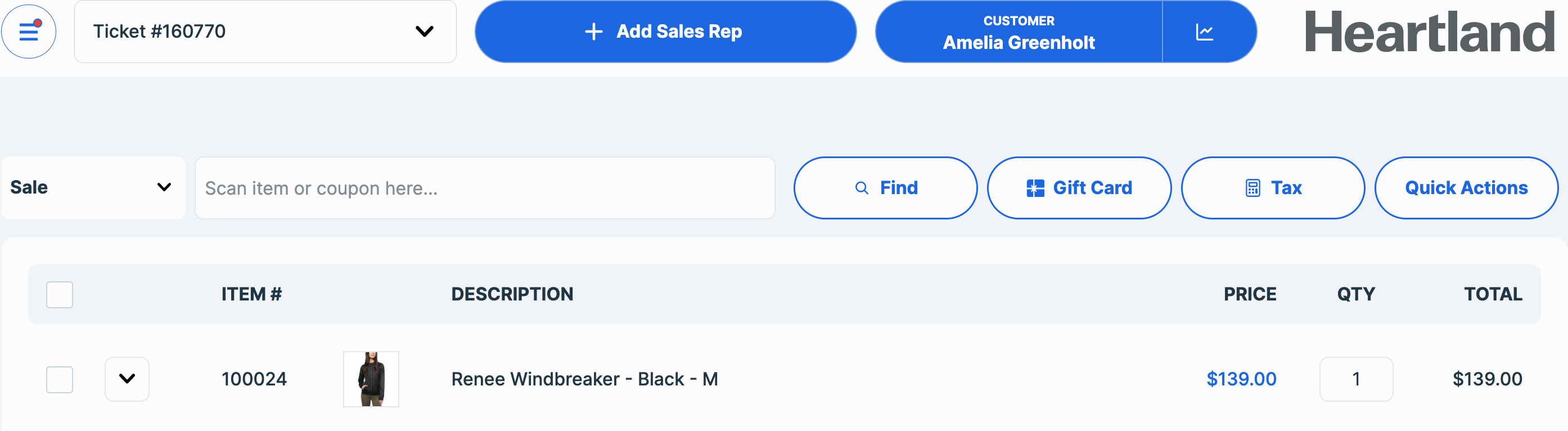
- Select an item add a sales rep and a customer.
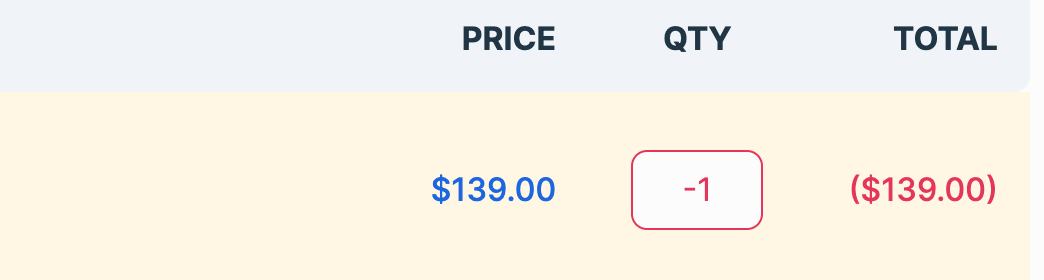
- Add the (-) sign in the quantity to do a refund.
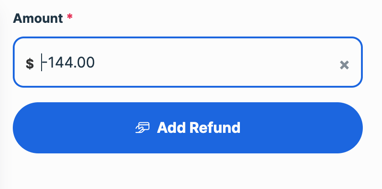
- Click on Tender to finish the sale.
- Click on Refund.
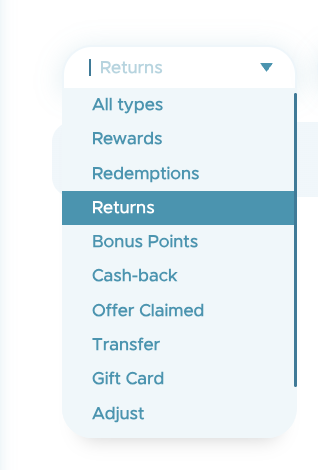
- In order to check the refund in the business portal go to the Transaction List in the Dashboard of the Kangaroo’s Business portal and select type Returns to see the refunds.
- You will be able to see the refund of your choosing and its details by clicking on the eye button.

-
Once a transaction status is changed to “Refund”, the points earned from that purchase will be deducted from the customer’s balance.
-
If the transaction included a redemption (using points to claim a reward), those points will be returned to the customer’s balance once the refund is processed.
-
A redemption cannot be refunded on its own. To refund a redemption, the entire sale must also be refunded.
-
Partial refunds are not supported.