- Go to the Branches section and add a branch.
- Make sure that Lightspeed is integrated.
- Go to the Settings section.

- Go to Apps & Integrations.

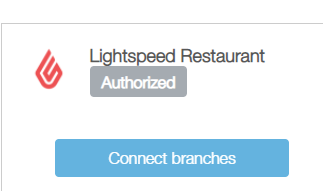
- Click on Connect Branches and match each branch to the correct register by clicking on Connect.
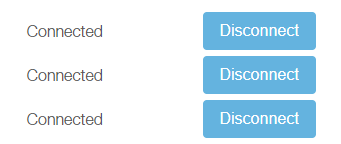
- The connected branches will look like this:
English
![Kangaroo-Rewards-App-Icon-BLUE-Oct-01-2025-07-47-23-2450-PM.png]](https://support.kangaroorewards.com/hs-fs/hubfs/Kangaroo-Rewards-App-Icon-BLUE-Oct-01-2025-07-47-23-2450-PM.png?height=40&name=Kangaroo-Rewards-App-Icon-BLUE-Oct-01-2025-07-47-23-2450-PM.png)