![Kangaroo-Rewards-App-Icon-BLUE-Oct-01-2025-07-47-23-2450-PM.png]](https://support.kangaroorewards.com/hs-fs/hubfs/Kangaroo-Rewards-App-Icon-BLUE-Oct-01-2025-07-47-23-2450-PM.png?height=40&name=Kangaroo-Rewards-App-Icon-BLUE-Oct-01-2025-07-47-23-2450-PM.png)
- Download the Kangaroo Merchant app on the iPad using the following link:
https://apps.apple.com/ca/app/kangaroo-for-lightspeed-retail/id1353261729 - Close the app once it is downloaded and go to the Lightspeed POS app.
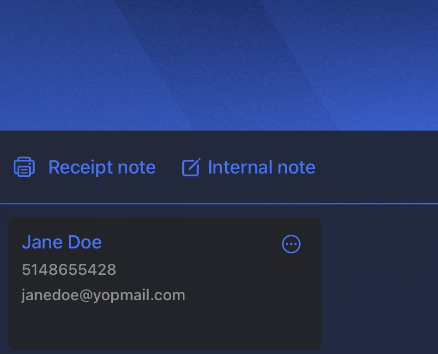
- Attach a customer to the sale and then click on the three dots next to the customer's name.
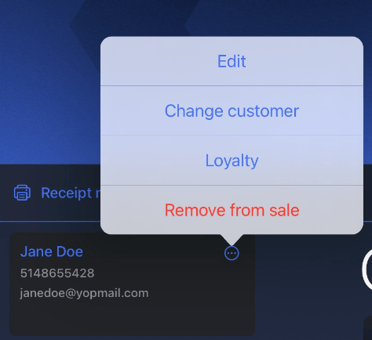
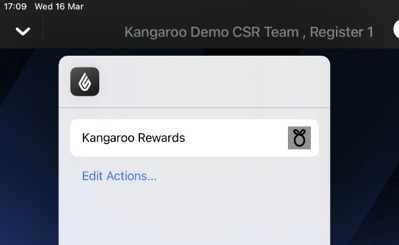
- Click on the Loyalty button and then on Kangaroo Rewards.
- Enter the username and password of Kangaroo to be able to redeem and apply promos.