- Enable the Account Number rule by going to the Settings section, Apps and Integrations and then access the Merchant App configurations.

- The business can include the option of having a prefix number of their own.
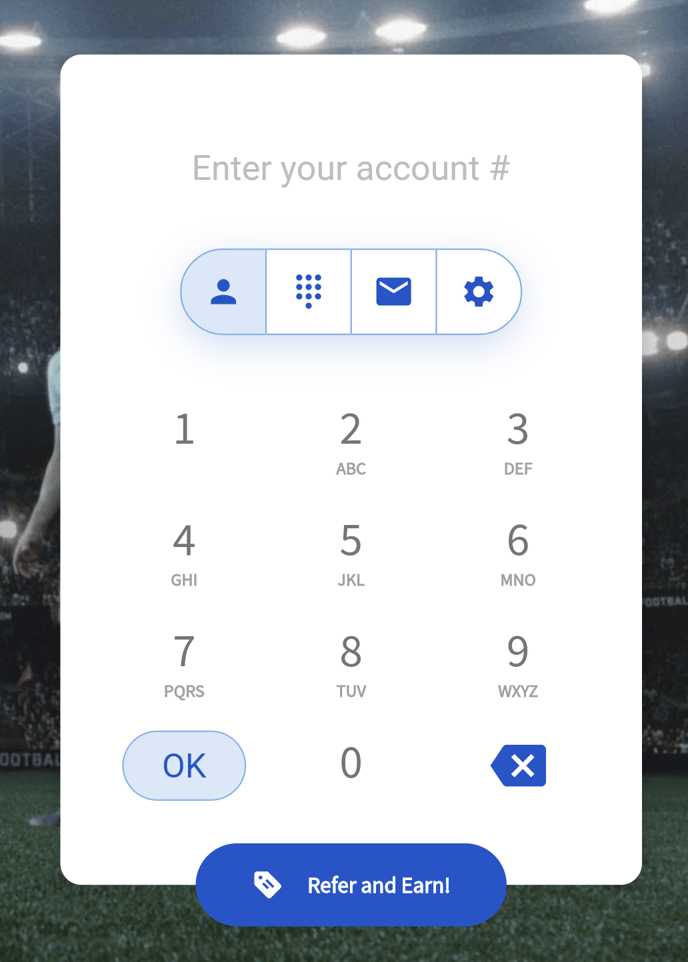
- On the Merchant App, customers will be able to sign up or log in with an account number.
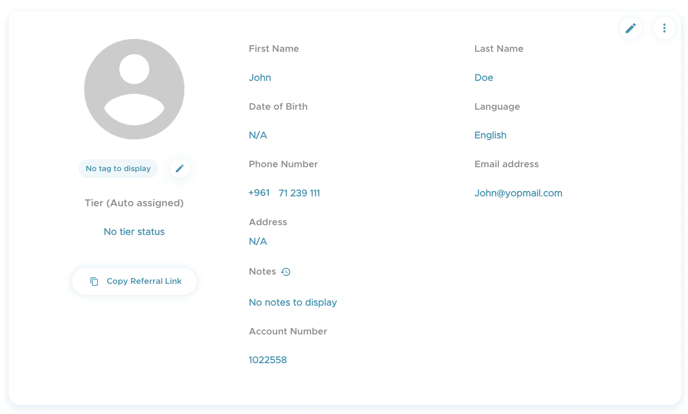
- The account number will also show in the Profile section of the customer. Note that the account number cannot be edited.
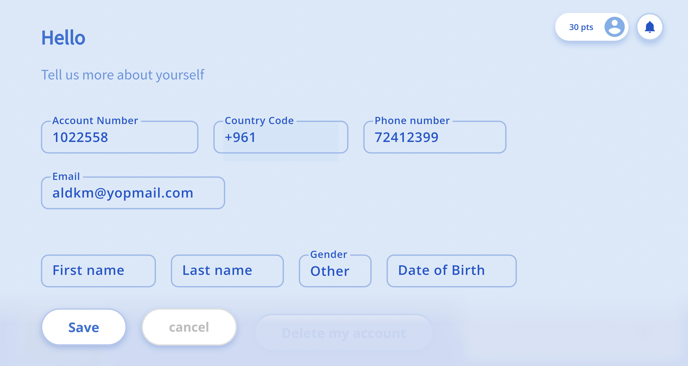
- If a customer sign up usingan email address or phone number, they have the option to add an account number in the Profile section.
- Moreover, the account number can is available in the sign up link and referral link.
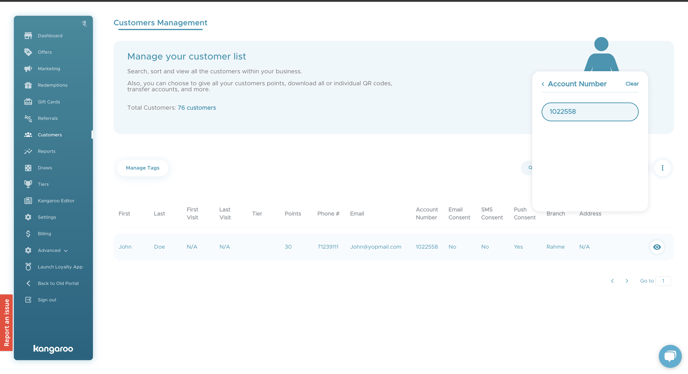
- The account number will also show in the customers section for each customer.
- The business will be also able to seach for a customer by their account number.
English
![Kangaroo-Rewards-App-Icon-BLUE-Oct-01-2025-07-47-23-2450-PM.png]](https://support.kangaroorewards.com/hs-fs/hubfs/Kangaroo-Rewards-App-Icon-BLUE-Oct-01-2025-07-47-23-2450-PM.png?height=40&name=Kangaroo-Rewards-App-Icon-BLUE-Oct-01-2025-07-47-23-2450-PM.png)