![Kangaroo-Rewards-App-Icon-BLUE-Oct-01-2025-07-47-23-2450-PM.png]](https://support.kangaroorewards.com/hs-fs/hubfs/Kangaroo-Rewards-App-Icon-BLUE-Oct-01-2025-07-47-23-2450-PM.png?height=40&name=Kangaroo-Rewards-App-Icon-BLUE-Oct-01-2025-07-47-23-2450-PM.png)
Customers can reset their 4-digit pin from the member's portal.
- Go to Kangaroo Rewards - Loyalty and Marketing Platform

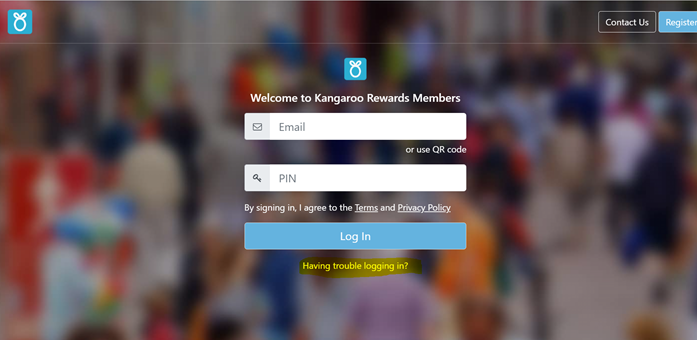
- Click on Members Login.

- Click on Having trouble logging in?
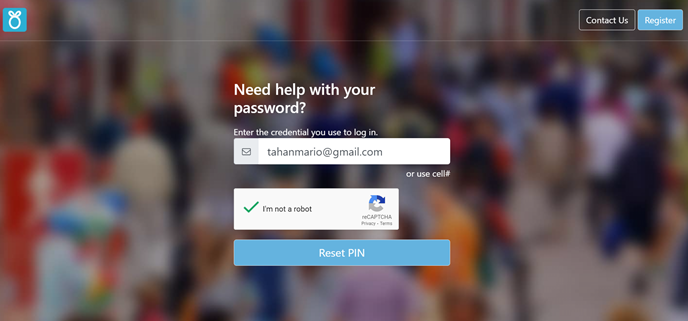
- The customer should enter their email or phone number and click on Reset Pin.
- A verification pin will be sent by email or SMS.
The customer should enter this pin and choose the new pin they would like to use.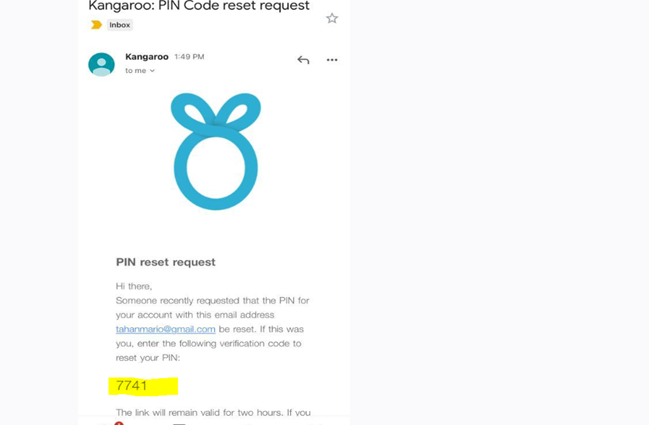
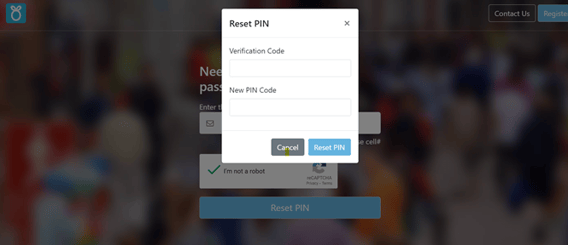
- Click Reset PIN to complete the reset.