![Kangaroo-Rewards-App-Icon-BLUE-Oct-01-2025-07-47-23-2450-PM.png]](https://support.kangaroorewards.com/hs-fs/hubfs/Kangaroo-Rewards-App-Icon-BLUE-Oct-01-2025-07-47-23-2450-PM.png?height=40&name=Kangaroo-Rewards-App-Icon-BLUE-Oct-01-2025-07-47-23-2450-PM.png)
The following instructions will help you install Kangaroo Rewards into your BigCommerce website.
Step one:
- Log into your BigCommerce Dashboard.
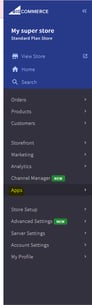
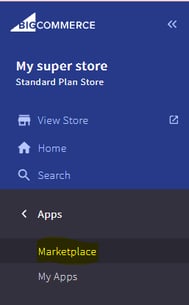
- Once in the Dashboard, you will go into Apps and then Marketplace.
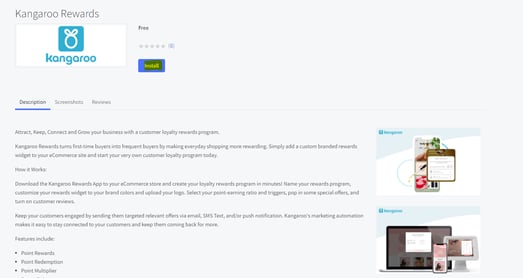
- Once in the Marketplace, search for Kangaroo Rewards.
Step Two:
- Click install and check the terms and conditions confirmation box to proceed with the installation.
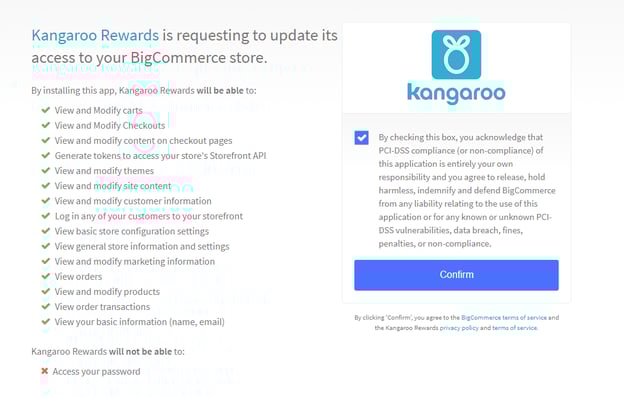
Step Three:
- After confirming the installation, click log in if you are an existing business using Kangaroo Rewards or sign up if you are new.
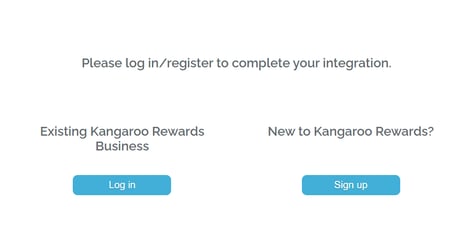
Step Four:
- Use your existing Kangaroo Rewards credentials or your newly created credentials to log in. Once logged in, the installation is complete.
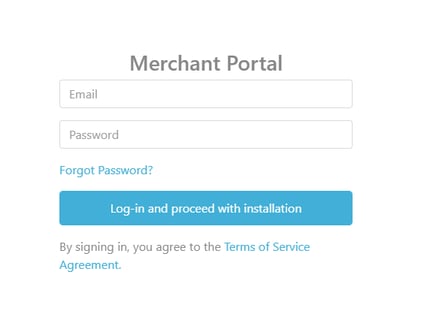
Step Five:
- Once the Integration is successful, you will get a success message.
- Click on "Business Portal" to be redirected to your Kangaroo Business portal's Main Menu.
- Click on "Business Integration" to be redirected to the integration section of your Kangaroo Business portal.
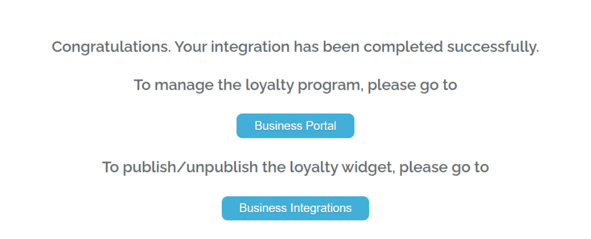
Final Step:
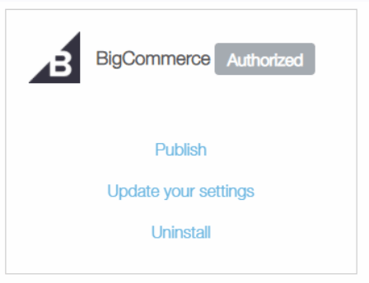
- Once in the integration section, You can update your settings and then click on publish to have the widget appear on your Website.