![Kangaroo-Rewards-App-Icon-BLUE-Oct-01-2025-07-47-23-2450-PM.png]](https://support.kangaroorewards.com/hs-fs/hubfs/Kangaroo-Rewards-App-Icon-BLUE-Oct-01-2025-07-47-23-2450-PM.png?height=40&name=Kangaroo-Rewards-App-Icon-BLUE-Oct-01-2025-07-47-23-2450-PM.png)
Install the Kangaroo Rewards App
- Go to Ecwid (E-Series) Dashboard
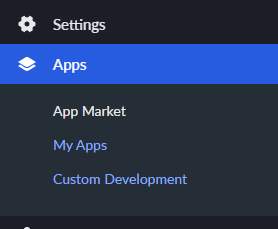
- Go to App Market and search for Kangaroo Rewards.
- Follow the installation steps
- Enter your existing Kangaroo Rewards Credentials or create a brand new Business Portal.
The integration will be successful once the credentials are entered
Uninstall the Kangaroo Rewards App
- Go to Ecwid (E-Series) Dashboard
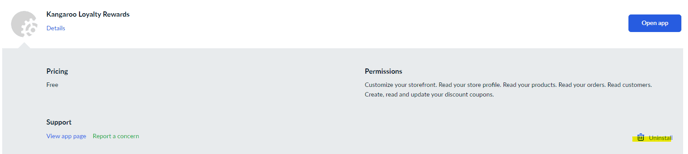
- Go to My Apps and search for Kangaroo Rewards.
- Click on the Kangaroo rewards app and click on Uninstall