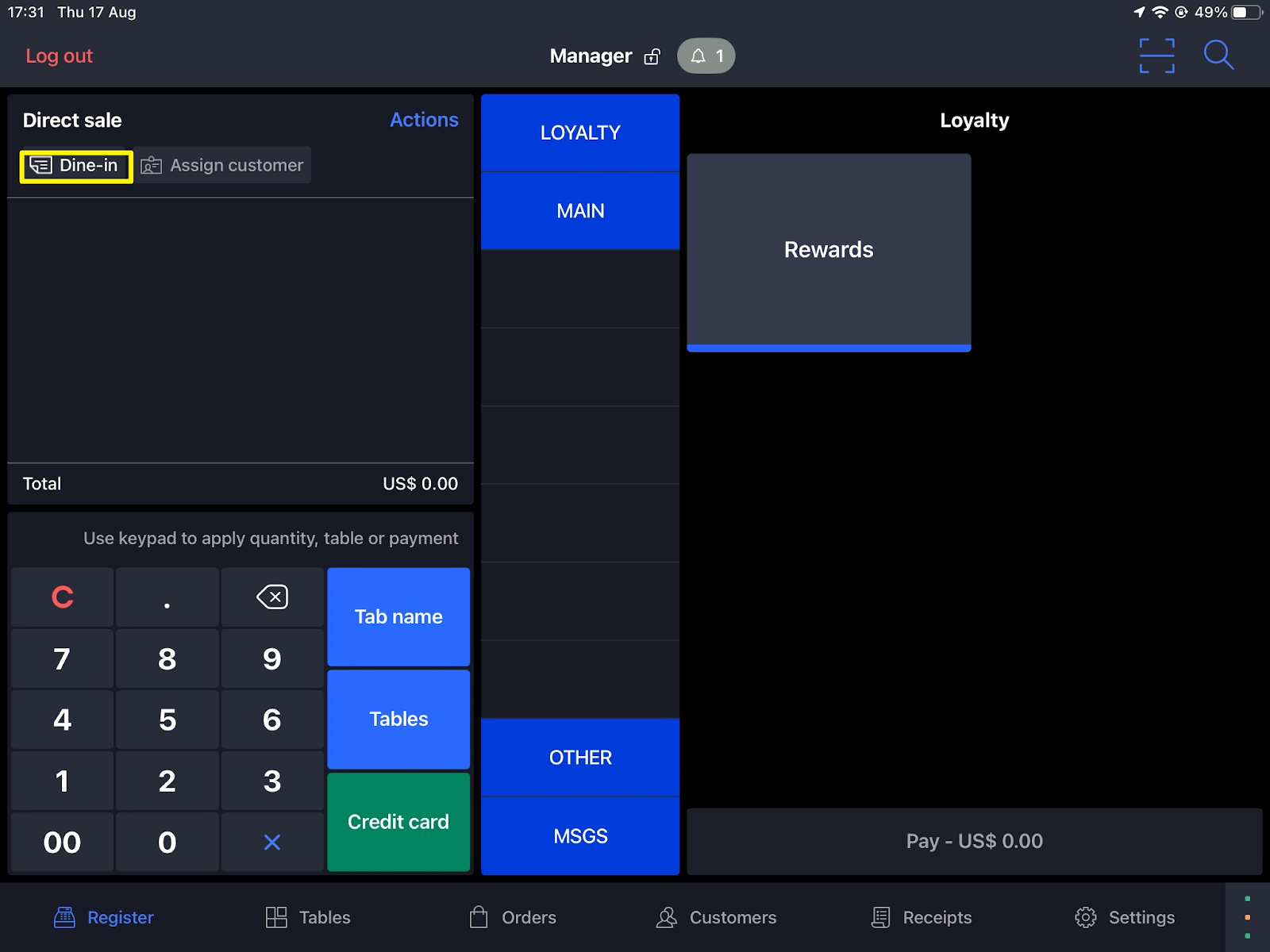
- Sign in to your account on Lightspeed K series screen
- Click on the default tag button to assign an account profile from the drop-down list
- Attach items to the Sale, and then click on the Send blue button at the bottom of the screen
- Go to the Orders section, click on Delivery/Pickup
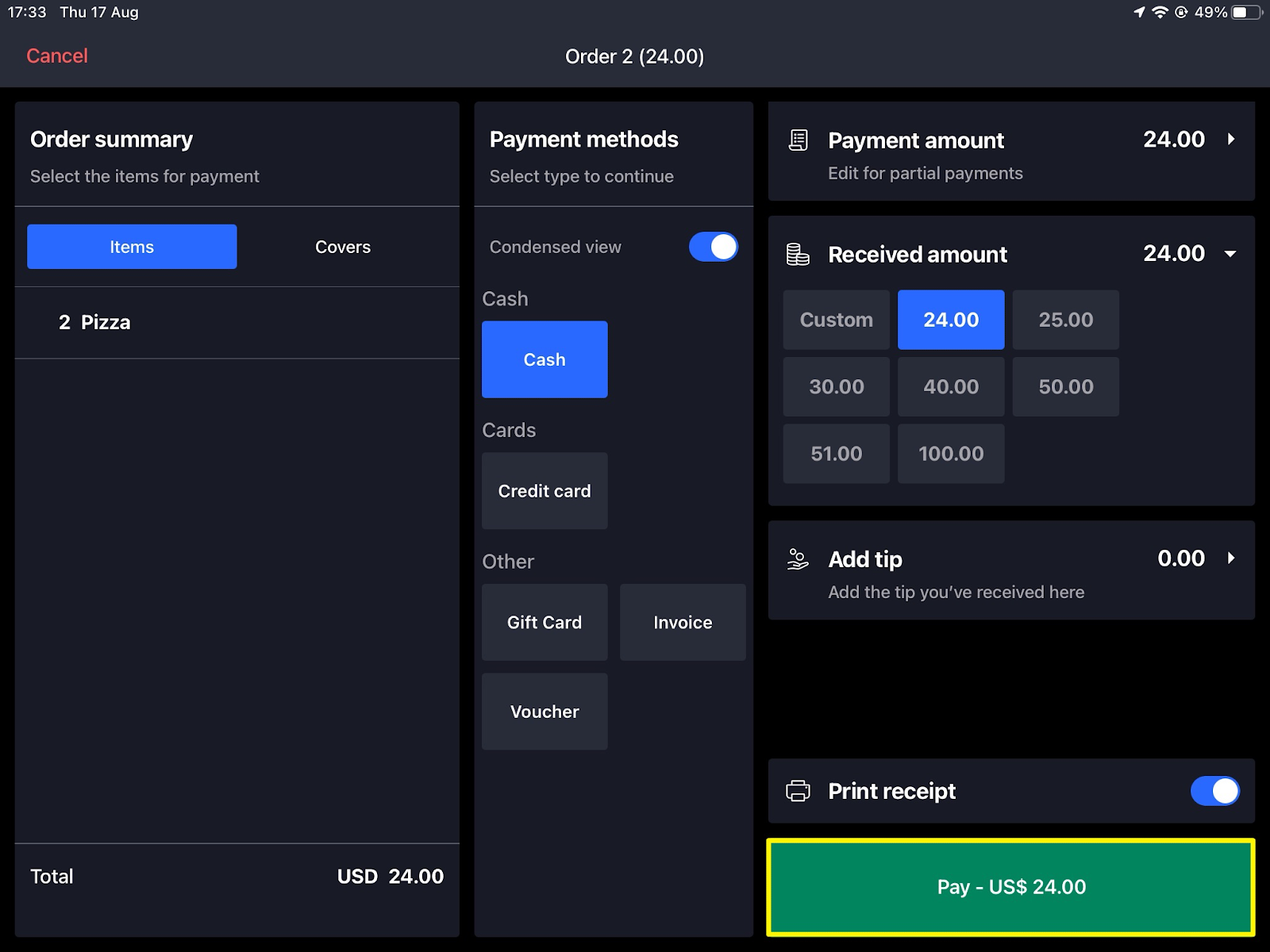
- Click on More Actions, to change the status of the order, and once it's marked as Paid the user will earn points on his order
English
![Kangaroo-Rewards-App-Icon-BLUE-Oct-01-2025-07-47-23-2450-PM.png]](https://support.kangaroorewards.com/hs-fs/hubfs/Kangaroo-Rewards-App-Icon-BLUE-Oct-01-2025-07-47-23-2450-PM.png?height=40&name=Kangaroo-Rewards-App-Icon-BLUE-Oct-01-2025-07-47-23-2450-PM.png)