- Go to the Kangaroo business portal and go to the Redemption section.

- Click on Create a Redemption.
- Click on the orange button Free Product - Integration for the required Reward Type.
- Select Category from Lightspeed L series.
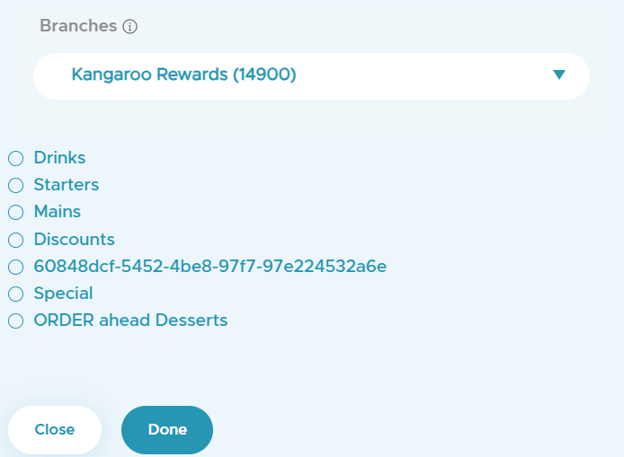
- Choose the category by enabling the checkbox or search for it from the bar and click on Save after selecting a branch.
- Add an Image.
- Select your Audience. ( All customers, Target Customers or Tier customers).
- Select the Start date.
- Fill out the Title.
- Select Your Conditions.
- Click on Save.
English
![Kangaroo-Rewards-App-Icon-BLUE-Oct-01-2025-07-47-23-2450-PM.png]](https://support.kangaroorewards.com/hs-fs/hubfs/Kangaroo-Rewards-App-Icon-BLUE-Oct-01-2025-07-47-23-2450-PM.png?height=40&name=Kangaroo-Rewards-App-Icon-BLUE-Oct-01-2025-07-47-23-2450-PM.png)