![Kangaroo-Rewards-App-Icon-BLUE-Oct-01-2025-07-47-23-2450-PM.png]](https://support.kangaroorewards.com/hs-fs/hubfs/Kangaroo-Rewards-App-Icon-BLUE-Oct-01-2025-07-47-23-2450-PM.png?height=40&name=Kangaroo-Rewards-App-Icon-BLUE-Oct-01-2025-07-47-23-2450-PM.png)
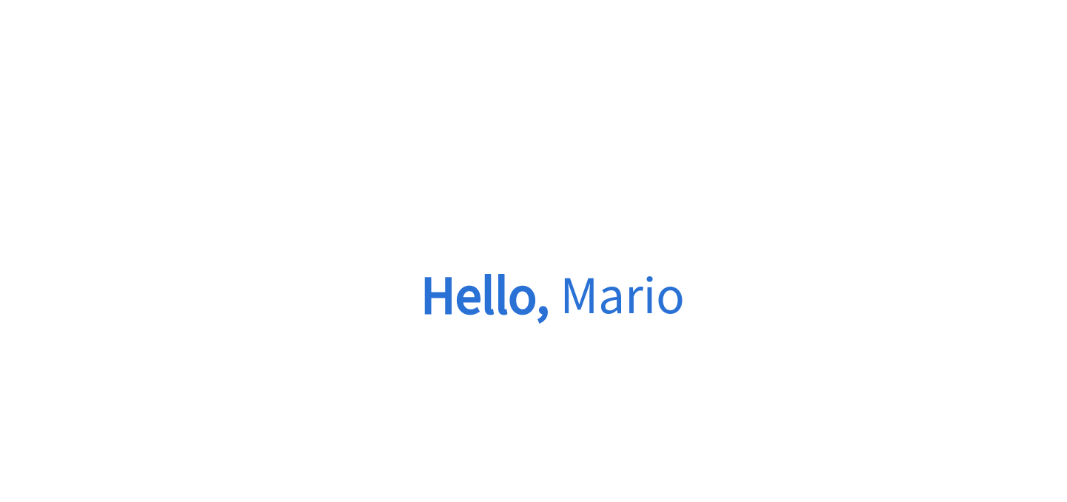
The welcome animation, profile panel, and transaction panel are key factors for your merchant setup.
Please follow the below steps :
- Go to your business portal.
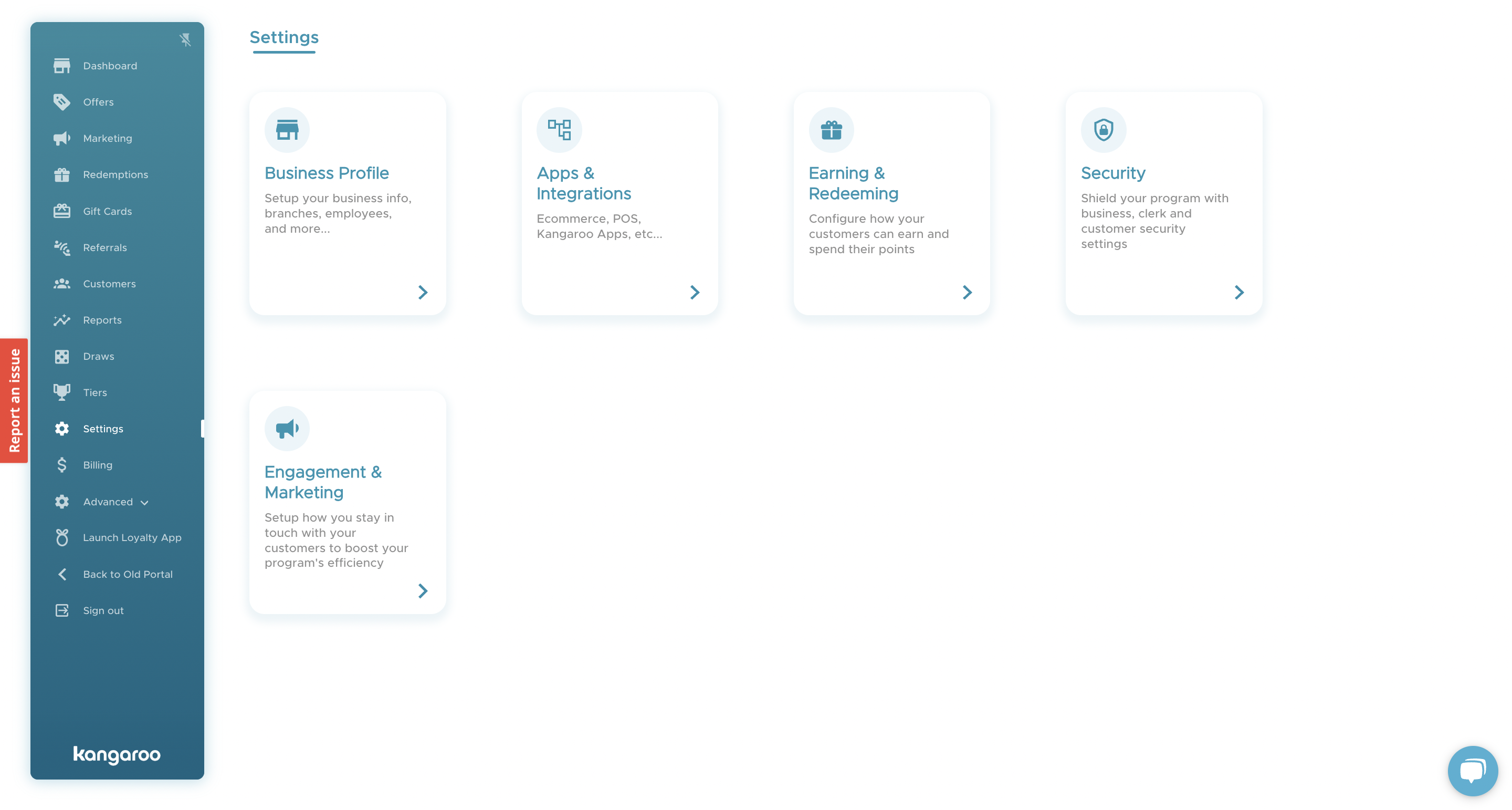
- Go to the Settings section and to Apps and Integrations:
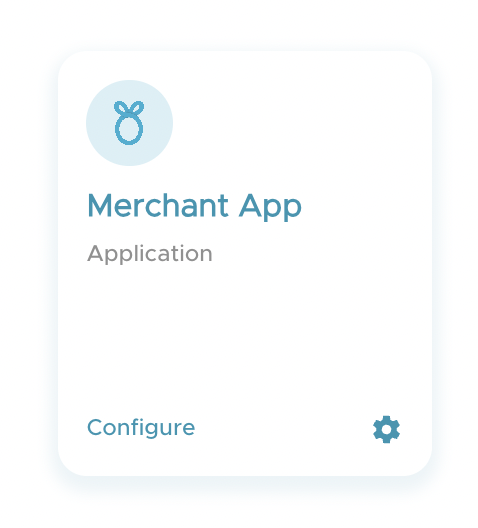
- Go to the Merchant App configuration:
- Scroll down to the Customer Interaction section:
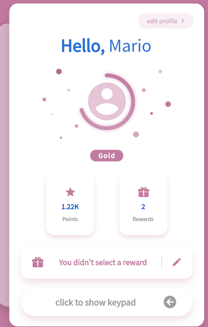
- In the Default Csutomer Login Panel, if you choose the Profile Panel this is what will show on the merchant app after logging in:
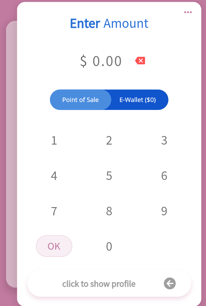
- If you choose the Transaction Panel this is what will show on the merchant app after logging in:
- Enable or Disable the after log-in animation by checking or unchecking the Show animation afer login checkbox.
- Click Save.
Once logging into the merchant app, the customer will get a login animation