- Attach customers to the sale by clicking on add customer.
- Scan the products or manually add products to the sale screen.
- Select the Loyalty Tab on the smart grid (on the left side of the screen).
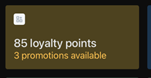
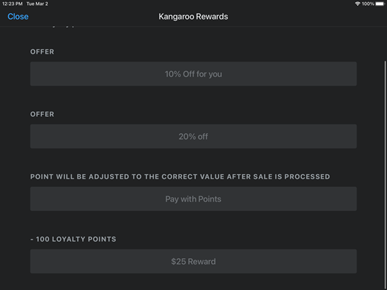
- Select one of the offers and redemptions available to the customer.
- The discount will automatically be applied to the sale.
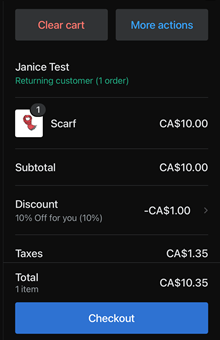
- Proceed to checkout.
Click here to view a video tutorial
English
![Kangaroo-Rewards-App-Icon-BLUE-Oct-01-2025-07-47-23-2450-PM.png]](https://support.kangaroorewards.com/hs-fs/hubfs/Kangaroo-Rewards-App-Icon-BLUE-Oct-01-2025-07-47-23-2450-PM.png?height=40&name=Kangaroo-Rewards-App-Icon-BLUE-Oct-01-2025-07-47-23-2450-PM.png)