![Kangaroo-Rewards-App-Icon-BLUE-Oct-01-2025-07-47-23-2450-PM.png]](https://support.kangaroorewards.com/hs-fs/hubfs/Kangaroo-Rewards-App-Icon-BLUE-Oct-01-2025-07-47-23-2450-PM.png?height=40&name=Kangaroo-Rewards-App-Icon-BLUE-Oct-01-2025-07-47-23-2450-PM.png)
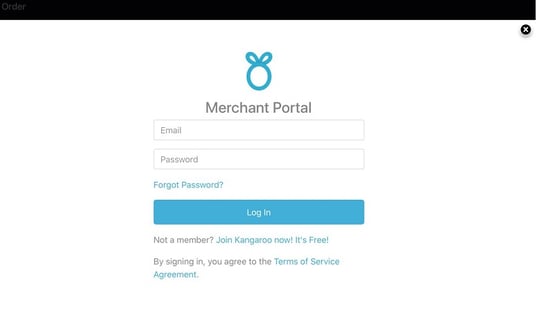
- Go to the Integration section in the Kangaroo Business portal and click on Connect.

- Enter the company name or company ID and the credentials to connect.

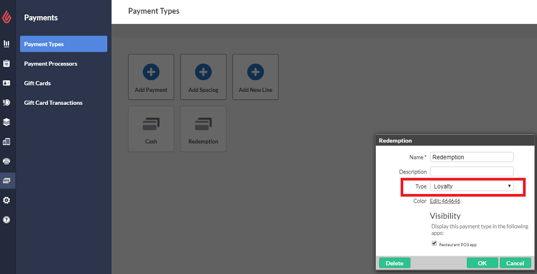
- Go to the Dashboard section, then to Payments and Payment Types.
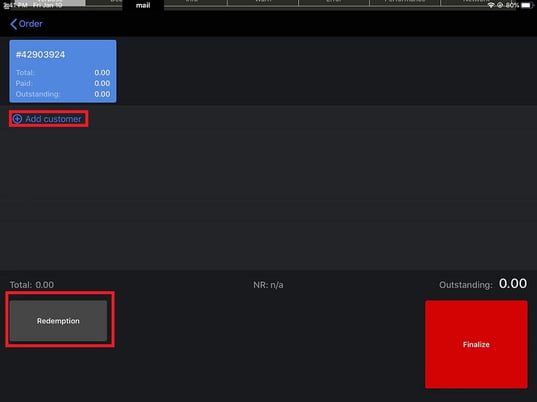
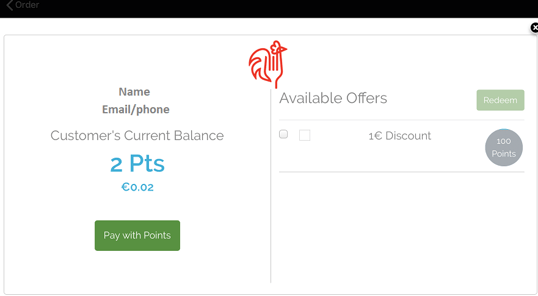
- Log in to the Kangaroo account for a first time and redeem points going forward.