![Kangaroo-Rewards-App-Icon-BLUE-Oct-01-2025-07-47-23-2450-PM.png]](https://support.kangaroorewards.com/hs-fs/hubfs/Kangaroo-Rewards-App-Icon-BLUE-Oct-01-2025-07-47-23-2450-PM.png?height=40&name=Kangaroo-Rewards-App-Icon-BLUE-Oct-01-2025-07-47-23-2450-PM.png)
The business can very easily and quickly set up a referral program that will motivate and reward customers for referrals!
To set up a referral program:
- Go to the Business Portal.
- Go to the Referrals section.

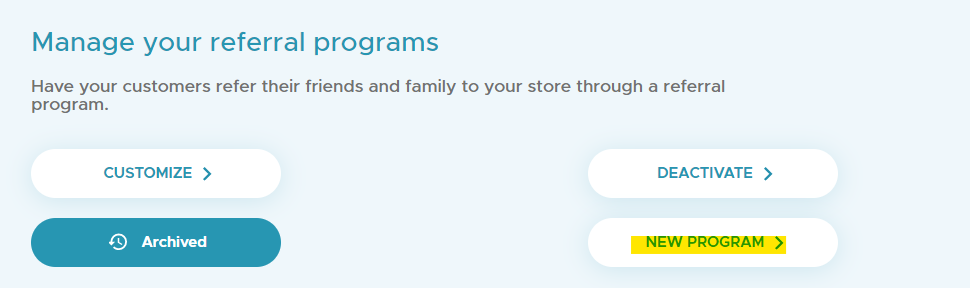
- Click New Program.
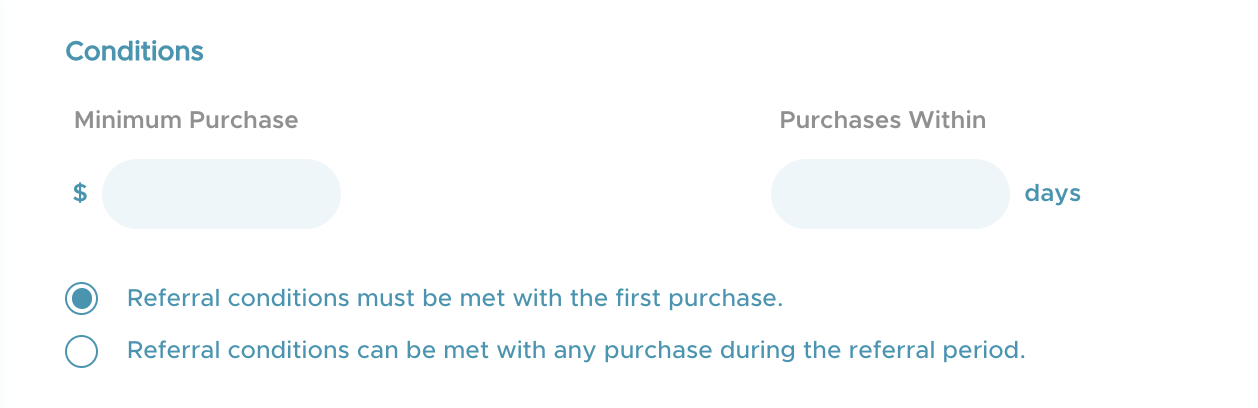
- Fill in the purchase condition section and decide if the condition must be met with first purchase only or during any purchase.
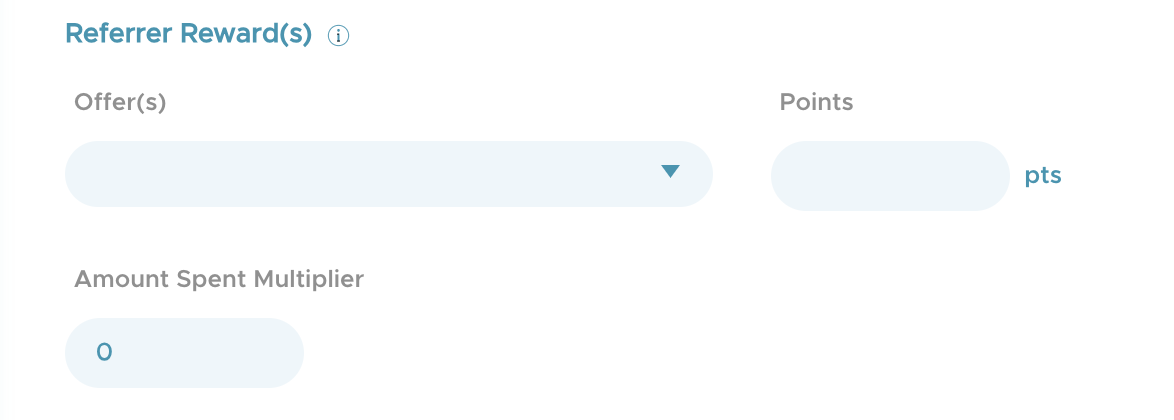
- Enter the rewards the referrer will get whether it is points, offers and/or the amount purchased multuplied by the multiplier.
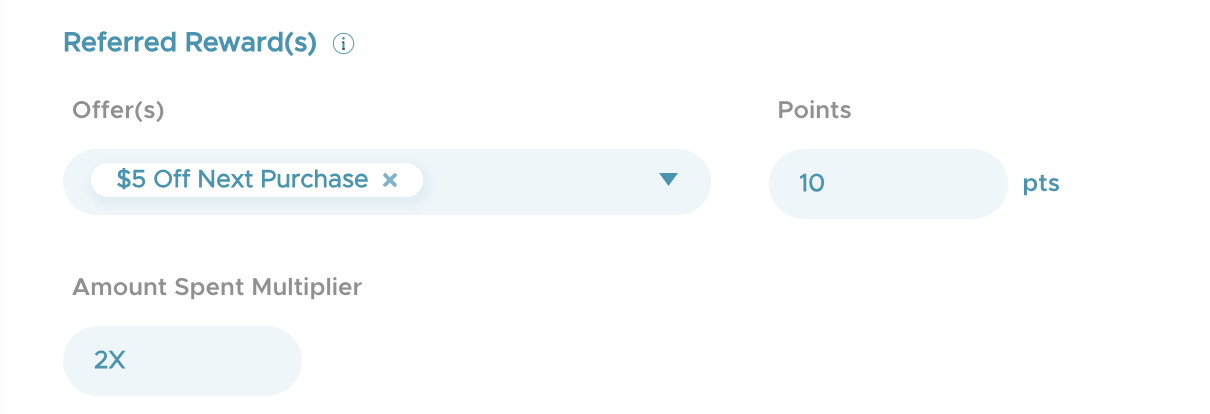
- Enter the rewards the referrer will get whether it is points, offers and/or the amount purchased multuplied by the multiplier.
- Optional to enable or disable the link where to be redirected after signing up

- Click Save.
The referral program is now active.
You can monitor the number of referrals done and their statuses in the referral action of the business portal,