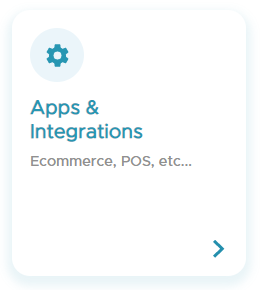
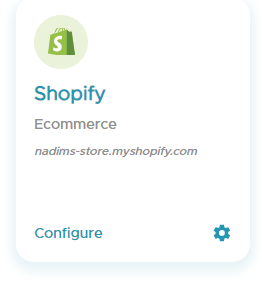
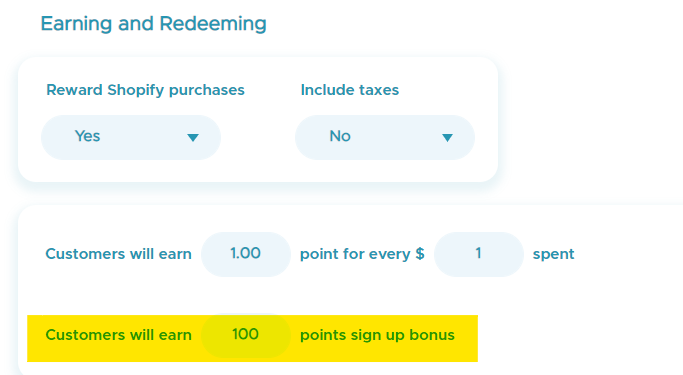
How to set up the signup bonus on Shopify Ecom and POS You can reward your customers with points for signing up to the store! Go to the Kangaroo Business Portal. Go to Settings. Go to Apps & Integrations. Go to Shopify and click on Configure. Go to the Earning and Redeeming section and choose the sign up bonus. Click on Save.

![Kangaroo-Rewards-App-Icon-BLUE-Oct-01-2025-07-47-23-2450-PM.png]](https://support.kangaroorewards.com/hs-fs/hubfs/Kangaroo-Rewards-App-Icon-BLUE-Oct-01-2025-07-47-23-2450-PM.png?height=40&name=Kangaroo-Rewards-App-Icon-BLUE-Oct-01-2025-07-47-23-2450-PM.png)