- Go to the Marketing section - All Campaigns and start a new campaign.
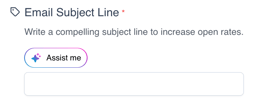
- When you reach the step to write your campaign (Email content) , click on Assist me in the subject field.
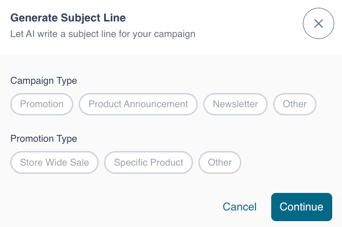
- Select a campaign type and a promotion type.
- Enter the content title and the content description
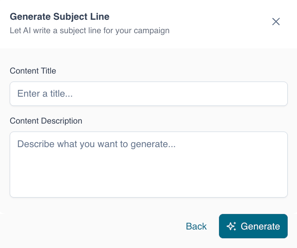
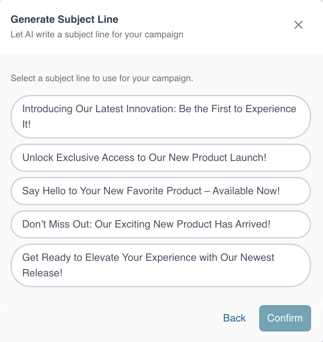
- Click on generate and choose one of the generated subject lines.
- Note that the AI tool can be used with email, SMS or push notification campaigns.
English
![Kangaroo-Rewards-App-Icon-BLUE-Oct-01-2025-07-47-23-2450-PM.png]](https://support.kangaroorewards.com/hs-fs/hubfs/Kangaroo-Rewards-App-Icon-BLUE-Oct-01-2025-07-47-23-2450-PM.png?height=40&name=Kangaroo-Rewards-App-Icon-BLUE-Oct-01-2025-07-47-23-2450-PM.png)