![Kangaroo-Rewards-App-Icon-BLUE-Oct-01-2025-07-47-23-2450-PM.png]](https://support.kangaroorewards.com/hs-fs/hubfs/Kangaroo-Rewards-App-Icon-BLUE-Oct-01-2025-07-47-23-2450-PM.png?height=40&name=Kangaroo-Rewards-App-Icon-BLUE-Oct-01-2025-07-47-23-2450-PM.png)
- Go to the Kangaroo Business portal and go to the Marketing section - Templates.
- Click on the Create a new template.
- You will be redirected to the Kangaroo Editor section.
- Go to the settings icon.

- Click on Import Content button.
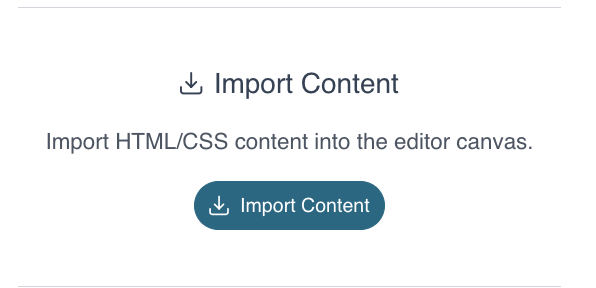
- Paste the HTML based code in this section and press the Import button.
- Click on Save Template Button.
- Insert a template Title and Save.
- The template can be accessed in the Marketing section.