![Kangaroo-Rewards-App-Icon-BLUE-Oct-01-2025-07-47-23-2450-PM.png]](https://support.kangaroorewards.com/hs-fs/hubfs/Kangaroo-Rewards-App-Icon-BLUE-Oct-01-2025-07-47-23-2450-PM.png?height=40&name=Kangaroo-Rewards-App-Icon-BLUE-Oct-01-2025-07-47-23-2450-PM.png)
- Go to the business portal and go to the Redemptions section - Redemption Rules.
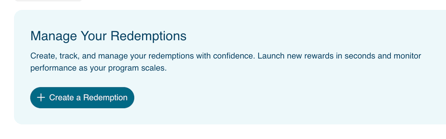
- Click on Create A Redemption.
-
Select the Reward Type and points required.
- Fill out the Title.
- Add an Image.
- Select your Audience. ( All customers, Target Customers or Tier customers).
- Select Your Conditions.
- Select the Start date.
- Choose the store location you wish the reward to be available at.
- Click on Save.
To edit a redemption item:
- Go to the business portal and go to the Redemptions section - Redemption Rules.
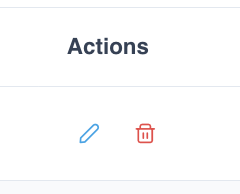
- Click on the small pen icon to Edit.
- Edit the fields.
- Click on Save to save the changes made.