- Go to the Kangaroo Business portal and go to the Marketing - All Campaigns section.
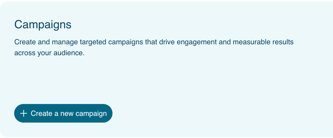
- Click on the Create Campaign button.
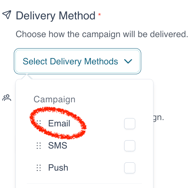
- Set the campaign name, and choose the Delivery method which is Email.
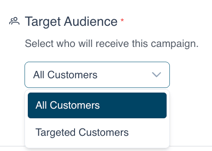
- Choose if the campaign is to be sent to All Customers or to Targeted Customers in the Target Audience section.
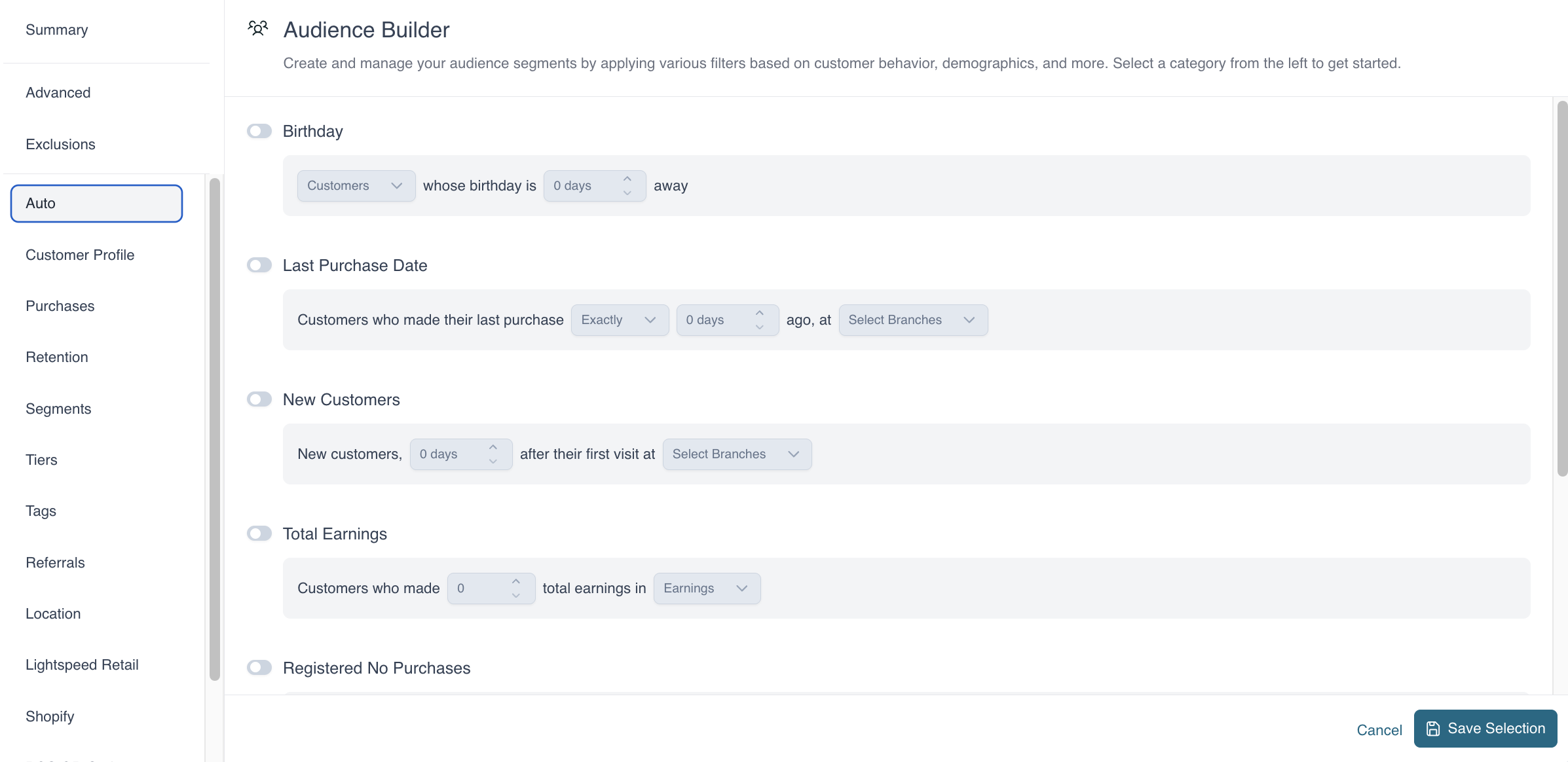
- If Target Customers is selected, select the filter to target the customers of this campaign by clicking on Audience Builder.
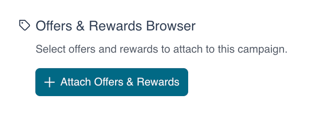
- Choose to Attach Offers and Rewards by clicking on Attach Offers & Rewards.
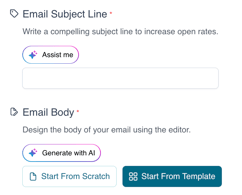
- Enter the Subject of the campaign. For an announcement, fill out the email body. If an offer is selected, the email section is imputed with the offer.
- Customize the body of your Email by clicking on Start From Scratch to access the Editor.
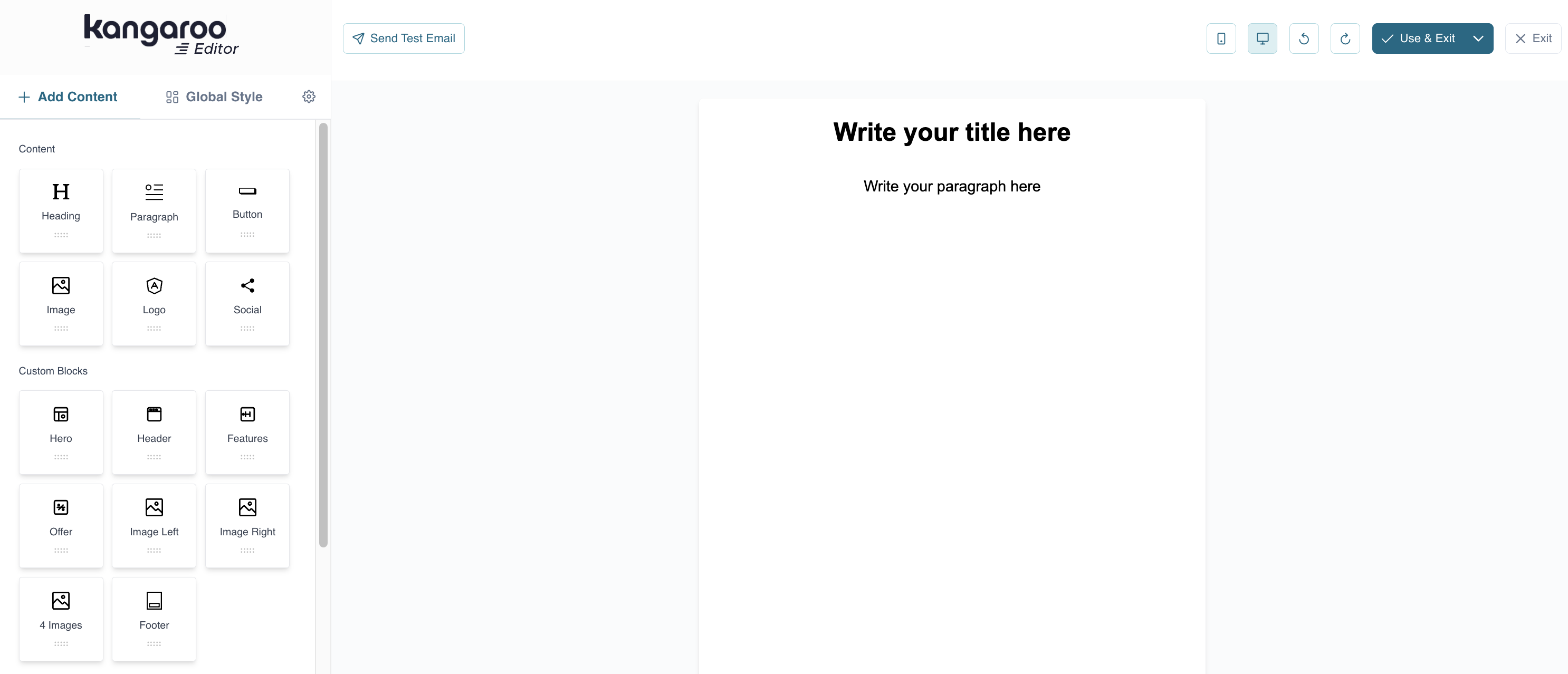
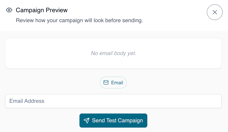
- On the bottom of the page, you can click on Preview to send a Test Campaign.
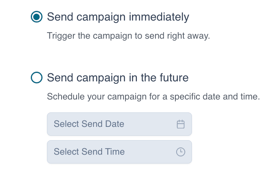
- Click Send Campaign Immediately to send the campaign out within the hour or schedule this campaign by checking the Send Campaign in the Future and selecting the date and time to send the campaign.
- Once the campaign is sent, a success message will pop up.
English
![Kangaroo-Rewards-App-Icon-BLUE-Oct-01-2025-07-47-23-2450-PM.png]](https://support.kangaroorewards.com/hs-fs/hubfs/Kangaroo-Rewards-App-Icon-BLUE-Oct-01-2025-07-47-23-2450-PM.png?height=40&name=Kangaroo-Rewards-App-Icon-BLUE-Oct-01-2025-07-47-23-2450-PM.png)