![Kangaroo-Rewards-App-Icon-BLUE-Oct-01-2025-07-47-23-2450-PM.png]](https://support.kangaroorewards.com/hs-fs/hubfs/Kangaroo-Rewards-App-Icon-BLUE-Oct-01-2025-07-47-23-2450-PM.png?height=40&name=Kangaroo-Rewards-App-Icon-BLUE-Oct-01-2025-07-47-23-2450-PM.png)
- Go to the Heartland Screen.
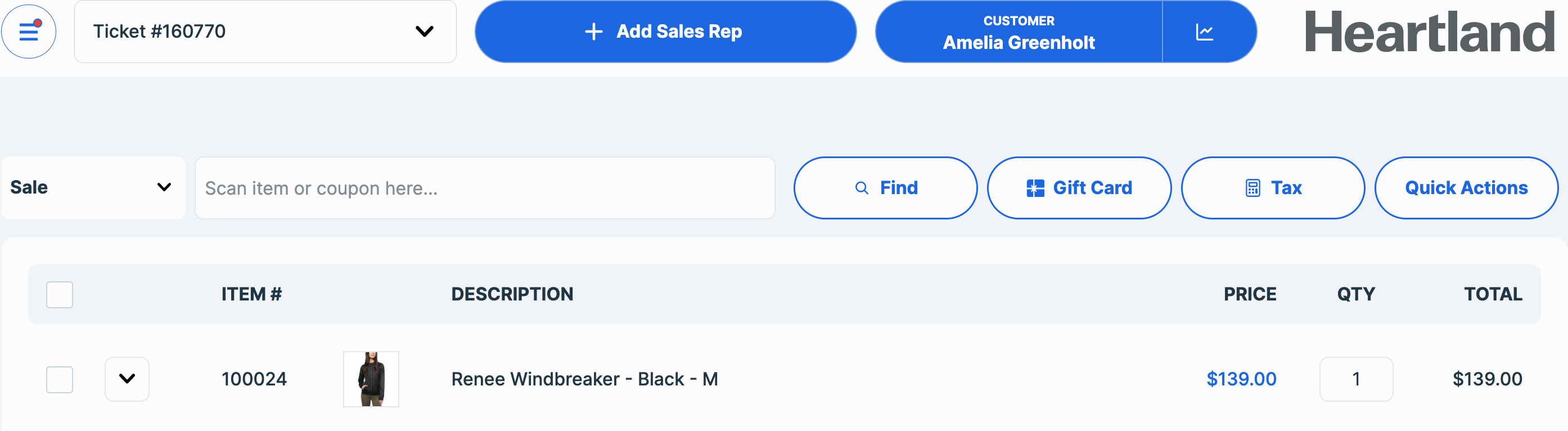
- Select an item add a sales rep and a customer.
- Add the (-) sign in the quantity to do a refund.
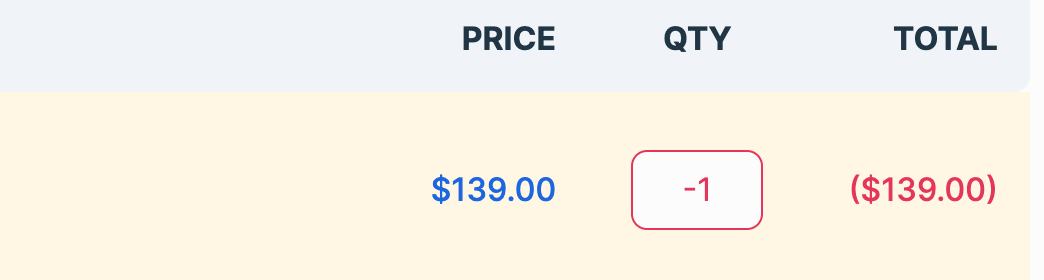
- Click on Tender to finish the sale.
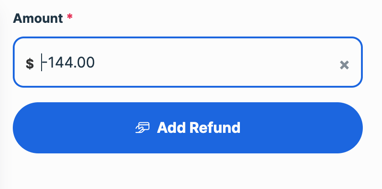
- Click on Refund.
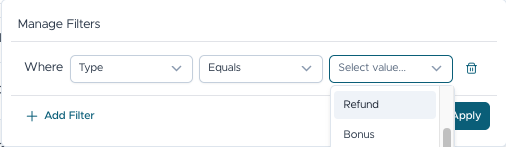
- In order to check the refund in the business portal go to the Transaction List in the Dashboard of the Kangaroo’s Business portal and select type Refund in the filter section to see the refunds.
- You will be able to see the refund of your choosing and its details by clicking on the eye button.
-
Once a transaction status is changed to “Refund”, the points earned from that purchase will be deducted from the customer’s balance.
-
If the transaction included a redemption (using points to claim a reward), those points will be returned to the customer’s balance once the refund is processed.
-
A redemption cannot be refunded on its own. To refund a redemption, the entire sale must also be refunded.
-
Partial refunds are not supported.