![Kangaroo-Rewards-App-Icon-BLUE-Oct-01-2025-07-47-23-2450-PM.png]](https://support.kangaroorewards.com/hs-fs/hubfs/Kangaroo-Rewards-App-Icon-BLUE-Oct-01-2025-07-47-23-2450-PM.png?height=40&name=Kangaroo-Rewards-App-Icon-BLUE-Oct-01-2025-07-47-23-2450-PM.png)
- Sign in to your Shopify account’s dashboard in a separate tab and install the Judge.me app
- After the installation, please go to the Judge. me section on the Shopify dashboard and click on Plan
- Upgrade the plan to Awesome to process and finalize the integration
- Go to the Kangaroo Business portal.
- Go to Settings.

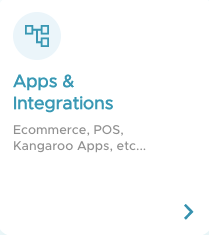
- Go to Apps and Integrations.
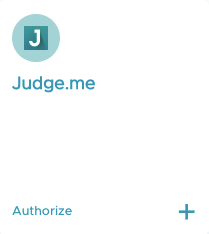
- Go to Judge.me, press on Authorize.
- Type in your Shopify domain and you should redirect to the Judge. me authorization page.
- Authorize and it should redirect to the Apps & Integrations dashboard.
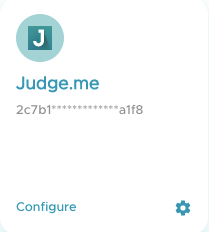
- Click on Judge.me Dashboard and follow the installation process of Judge.me.

P.S: If Judge.me does not appear in the Apps and Integrations section please reach out to us on our live chat or on support@kangaroorewards.com.
NB : The integration is only accessible to customers who are subscribed to the Judge Me Awesome plan.