![Kangaroo-Rewards-App-Icon-BLUE-Oct-01-2025-07-47-23-2450-PM.png]](https://support.kangaroorewards.com/hs-fs/hubfs/Kangaroo-Rewards-App-Icon-BLUE-Oct-01-2025-07-47-23-2450-PM.png?height=40&name=Kangaroo-Rewards-App-Icon-BLUE-Oct-01-2025-07-47-23-2450-PM.png)
- Log in to your Kangaroo New Business Portal.
- Click on Settings.
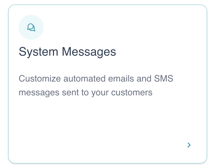
- Click on System Messages.
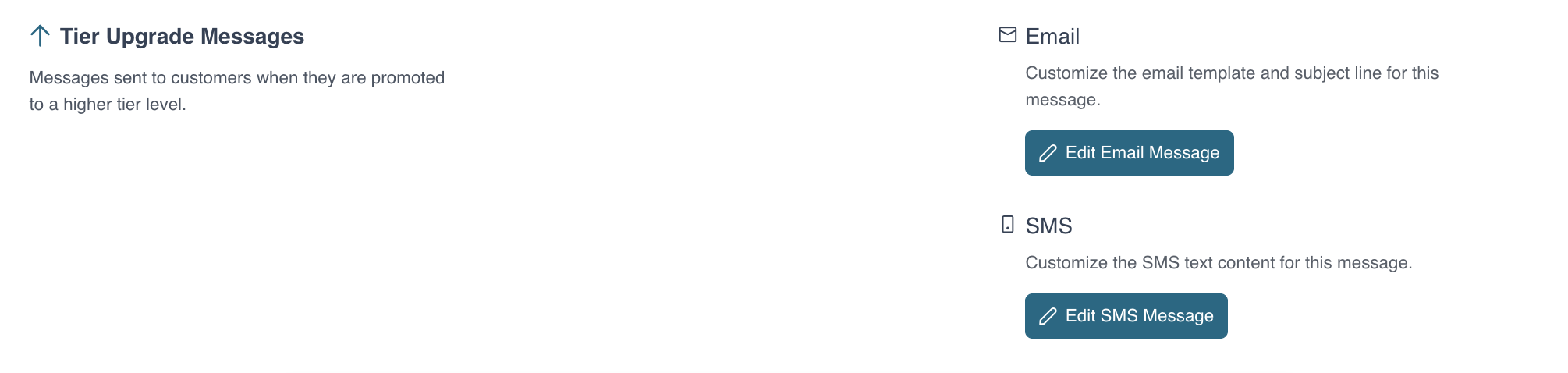
- Scroll down to Tier Upgrade Messages and click on edit SMS Message.
- Customize the congratulatory SMS message sent to customers when they upgrade their tier, in the SMS Content section.
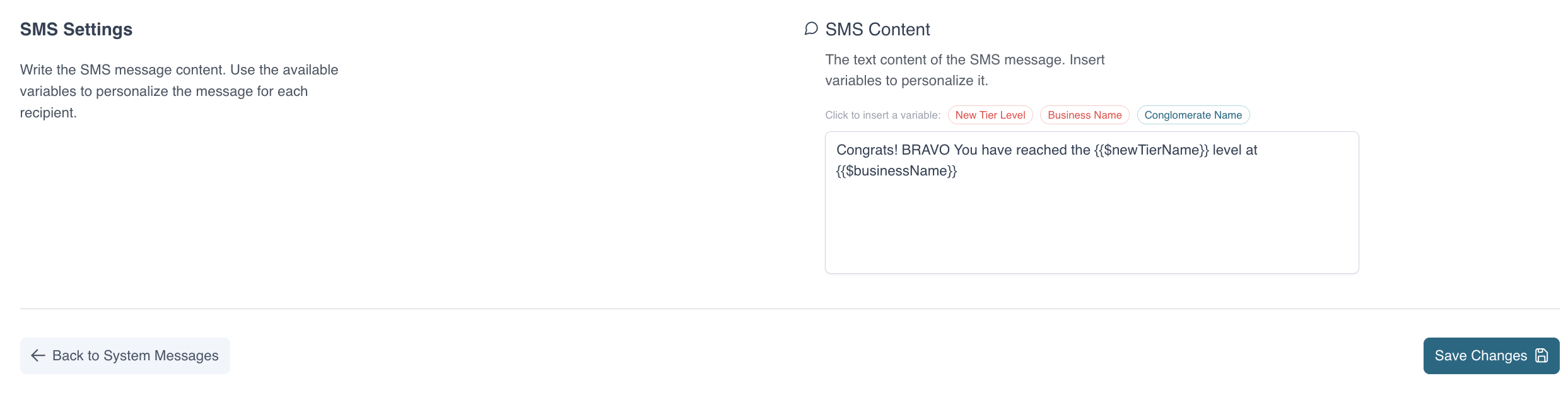
- Make sure to keep the required variables (*) in red in the SMS message, otherwise you will get an error message.
- Make sure to click on save changes.
- The SMS message will be automatically saved in the backend and ready to be sent whenever one of the customers upgrades tiers.