![Kangaroo-Rewards-App-Icon-BLUE-Oct-01-2025-07-47-23-2450-PM.png]](https://support.kangaroorewards.com/hs-fs/hubfs/Kangaroo-Rewards-App-Icon-BLUE-Oct-01-2025-07-47-23-2450-PM.png?height=40&name=Kangaroo-Rewards-App-Icon-BLUE-Oct-01-2025-07-47-23-2450-PM.png)
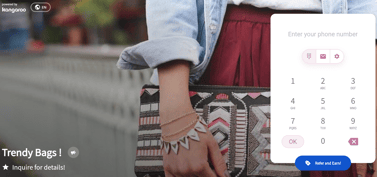
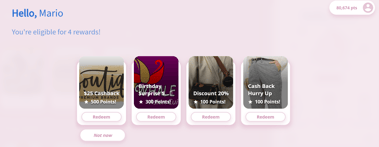
The app color feature allows the business to customize the colors seen on the customer-facing interface. Merchants App further customizes the look of the system to match their brand identity.
Please follow the below steps:
- Go to the Business Portal.
- Go to the Settings section and then to Business Profile & Branches
- Go to Manage Business Profile
- Scroll down to Brand colors and choose your colors
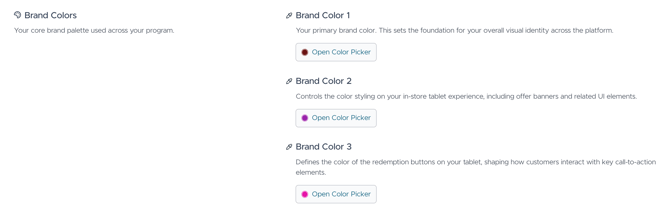
- Click Save.
After setting the App Colors, it will appear on the merchant’s app like the below: