![Kangaroo-Rewards-App-Icon-BLUE-Oct-01-2025-07-47-23-2450-PM.png]](https://support.kangaroorewards.com/hs-fs/hubfs/Kangaroo-Rewards-App-Icon-BLUE-Oct-01-2025-07-47-23-2450-PM.png?height=40&name=Kangaroo-Rewards-App-Icon-BLUE-Oct-01-2025-07-47-23-2450-PM.png)
To create and activate the customer segments follow the below steps:
- Go to the Kangaroo business portal.
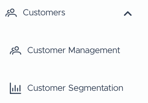
- Go to the Customers - Customer Segmentation section.
- Define the customers. Enter the values for #visits/purchases and for the period section by clicking on the small pen .
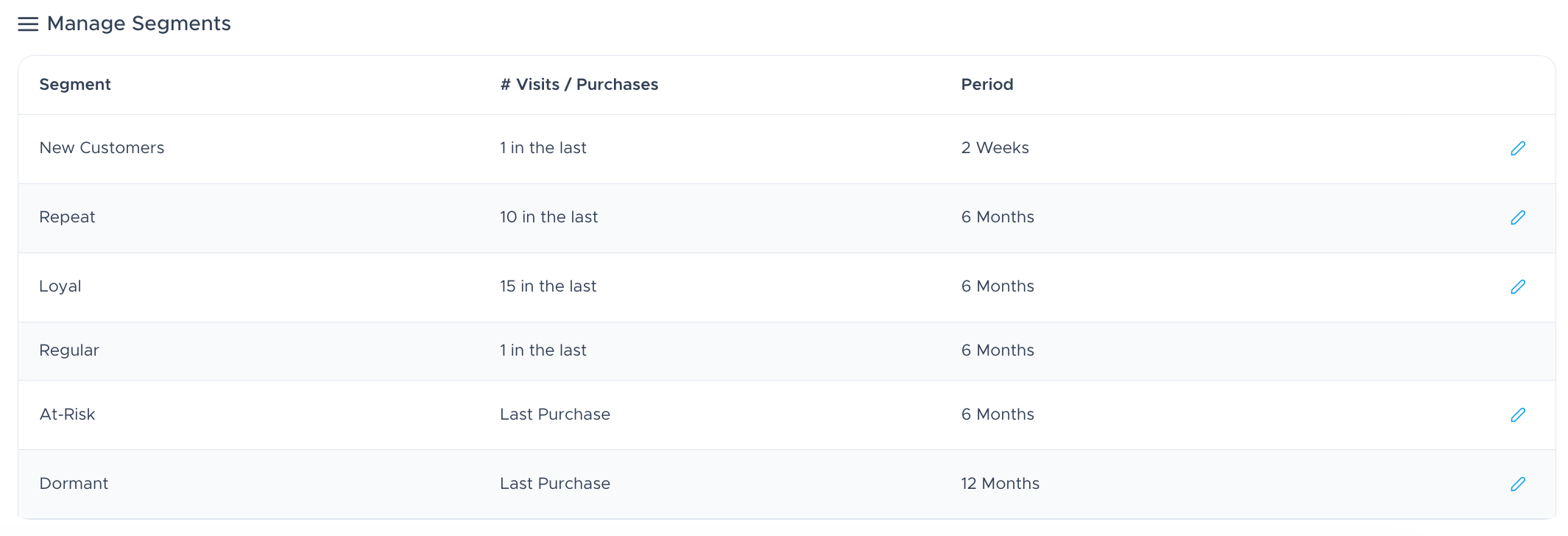
- Click Save.
Make sure to keep an eye on the segmentation analytics that update on a weekly basis on Sundays.