![Kangaroo-Rewards-App-Icon-BLUE-Oct-01-2025-07-47-23-2450-PM.png]](https://support.kangaroorewards.com/hs-fs/hubfs/Kangaroo-Rewards-App-Icon-BLUE-Oct-01-2025-07-47-23-2450-PM.png?height=40&name=Kangaroo-Rewards-App-Icon-BLUE-Oct-01-2025-07-47-23-2450-PM.png)
In order to access the analytics of the Automated Campaigns created, kindly follow the steps below:
- Access the Business Portal through the credentials provided.
- Go to the marketing - all campaigns section in the main menu bar
- Serch for the Auto Campaign created you want to access the Analytics for under Auto Campaigns section.
- Click on the eye icon next to the campaign, you can choose to either view the analytics for the past:
- 7 days
- 14 days
- 30 days
- OR you can select a specific day
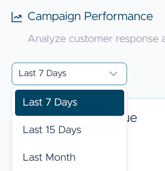
- Accordingly, the campaign selected summary will show.
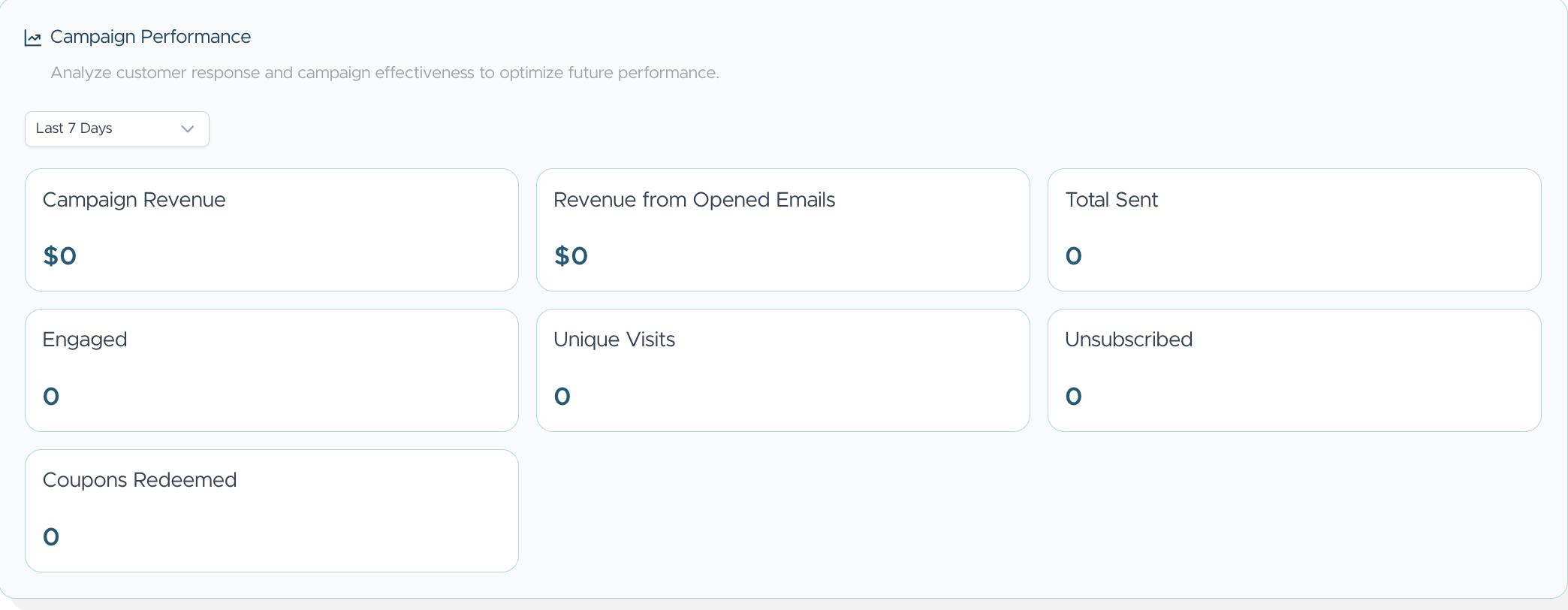
- The Analytics vary from the revenue this campaign has generated for the business, customers who opened the email, engaged customers and the un-subscriptions.
- Keep in mind that these information are crucial to help improve you campaign setup, the information shared with the customer and how effective it is showing you hands on your win!
- Reminder: An automated campaign is created when you choose one of the Automated Filters from the Audience Builder for Targeted customers.
OR it can be a normal filter chosen but set to repeat either on a monthly or weekly basis.