- Login in to the Kangaroo Business Portal.
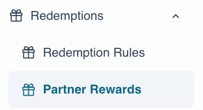
- Go to the Partner Rewards section under Redemptions.
- The redeemed rewards will appear.
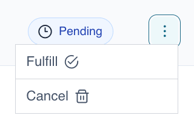
- Click on the 3 dots on the right of the redemption you want to cancel. And choose"Cancel" from the dropdown.
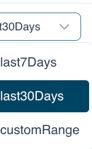
- You can choose to filter by date.
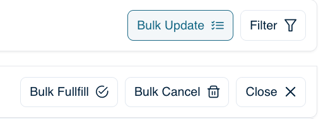
- You can click on "Bulk update" so you can select multiple redemptions and fulfill them or cancel them at the same time.
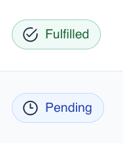
- You can check the status of the rewards as well.
English
![Kangaroo-Rewards-App-Icon-BLUE-Oct-01-2025-07-47-23-2450-PM.png]](https://support.kangaroorewards.com/hs-fs/hubfs/Kangaroo-Rewards-App-Icon-BLUE-Oct-01-2025-07-47-23-2450-PM.png?height=40&name=Kangaroo-Rewards-App-Icon-BLUE-Oct-01-2025-07-47-23-2450-PM.png)