![Kangaroo-Rewards-App-Icon-BLUE-Oct-01-2025-07-47-23-2450-PM.png]](https://support.kangaroorewards.com/hs-fs/hubfs/Kangaroo-Rewards-App-Icon-BLUE-Oct-01-2025-07-47-23-2450-PM.png?height=40&name=Kangaroo-Rewards-App-Icon-BLUE-Oct-01-2025-07-47-23-2450-PM.png)
Businesses can add a signup widget or signup link to their website or a third-party website to allow customers to register for the loyalty program:
- Go to Settings

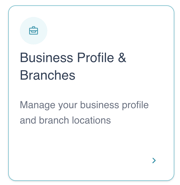
- Click on Business Profile & Branches
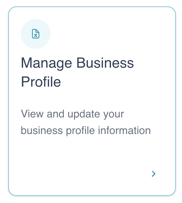
- Click on Manage Business Profile
- Scroll down to the Widgets section
- Locate the Signup Page Link and Signup Widget Embed Code
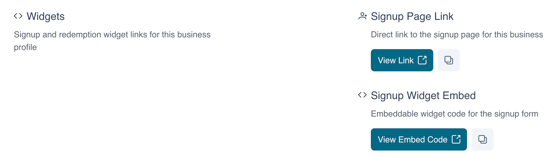
- Click on it to view or copy the link
-
- Go to Business Profile & Branches
- Scroll down to Branches
- Click on the eye icon next to the desired branch

- Scroll to the Widgets section to find the branch-specific signup link or widget