![Kangaroo-Rewards-App-Icon-BLUE-Oct-01-2025-07-47-23-2450-PM.png]](https://support.kangaroorewards.com/hs-fs/hubfs/Kangaroo-Rewards-App-Icon-BLUE-Oct-01-2025-07-47-23-2450-PM.png?height=40&name=Kangaroo-Rewards-App-Icon-BLUE-Oct-01-2025-07-47-23-2450-PM.png)
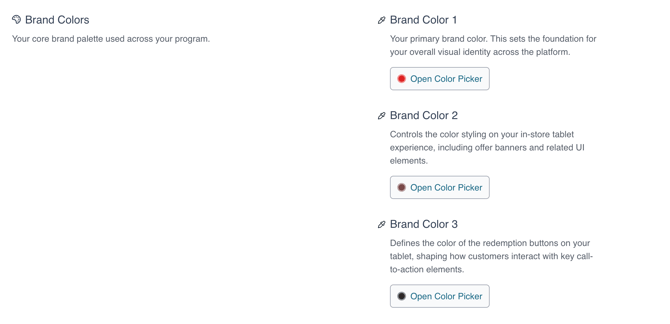
The App or Brand Colors section is where the business can customize the colors displayed on the Merchant App.
In that same section, the business can choose to upload some of the graphics that will show in the customer-facing interfaces.
The app color feature allows the business to customize the colors and images seen on the customer-facing interfaces (Merchants App, member’s portal, and mobile App).
This allows the business to further customize the look of the system to match its brand identity.
In addition, the business can upload a business cover photo, upload a business logo & a business logo with transparent background.
- Go to Settings
- Go to Business Profile & Branches
- Click on Manage Business Profile
- Use sections "Business Images" and "Brand Colors".