Go to your Business Portal:
Go to Settings:
Find the System Message Feature: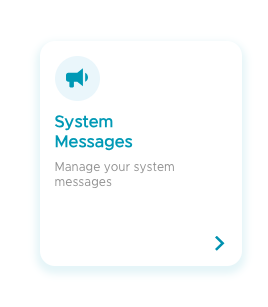
Click on the Welcome Message Feature: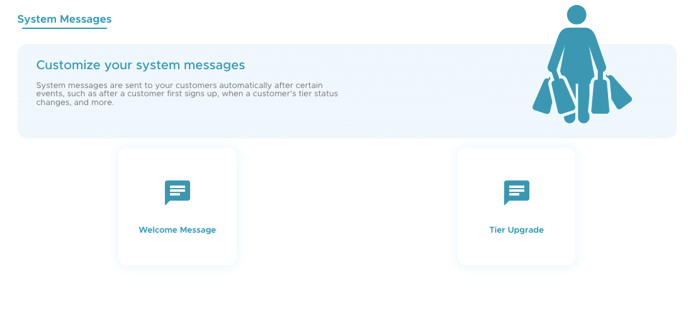
Edit Message:
Customize the content of the message according to your needs.
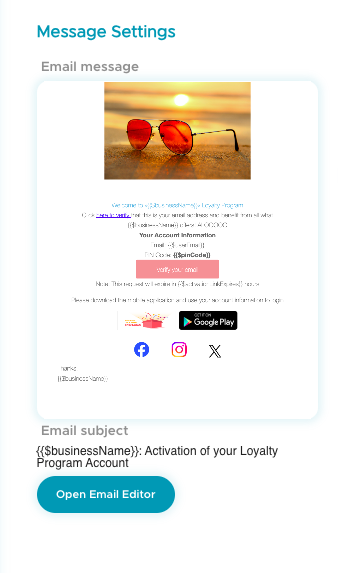
Make sure to save your changes when done.
![Kangaroo-Rewards-App-Icon-BLUE-Oct-01-2025-07-47-23-2450-PM.png]](https://support.kangaroorewards.com/hs-fs/hubfs/Kangaroo-Rewards-App-Icon-BLUE-Oct-01-2025-07-47-23-2450-PM.png?height=40&name=Kangaroo-Rewards-App-Icon-BLUE-Oct-01-2025-07-47-23-2450-PM.png)
Go to your Business Portal:
Go to Settings:
Find the System Message Feature:
Click on the Welcome Message Feature:
Edit Message:
Customize the content of the message according to your needs.
Make sure to save your changes when done.