![Kangaroo-Rewards-App-Icon-BLUE-Oct-01-2025-07-47-23-2450-PM.png]](https://support.kangaroorewards.com/hs-fs/hubfs/Kangaroo-Rewards-App-Icon-BLUE-Oct-01-2025-07-47-23-2450-PM.png?height=40&name=Kangaroo-Rewards-App-Icon-BLUE-Oct-01-2025-07-47-23-2450-PM.png)
Here's how to easily set them up:
- Go to your business portal.
- Click on the Offers section.

- Click on Create An Offer.

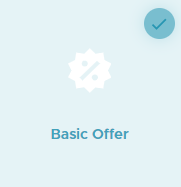
- Choose Basic Offer.
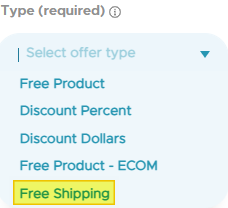
- Select the Parameters ( Title and Upload an Image) and make sure that the Type is Free Shipping.
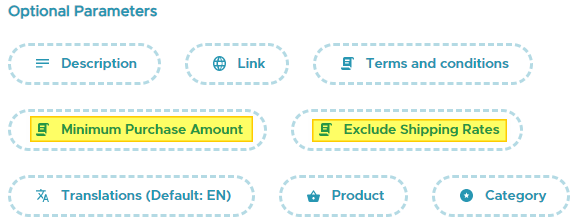
- In the Optional Parameters section you can choose to Exclude Shipping Rates over a specific amount or set a Minimum Purchase Amount .
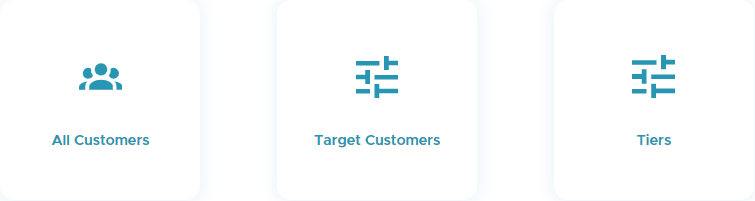
- Select Your Audience (All Customers, Target Customers and Tiers).
- Press on Next.
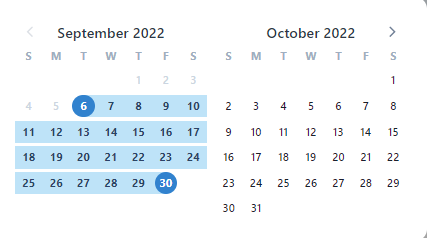
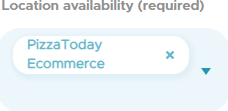
- Select your Conditions (Start and end date) and make sure that the Location Availability is set for the Ecom section.
- Press on Next then Save.