![Kangaroo-Rewards-App-Icon-BLUE-Oct-01-2025-07-47-23-2450-PM.png]](https://support.kangaroorewards.com/hs-fs/hubfs/Kangaroo-Rewards-App-Icon-BLUE-Oct-01-2025-07-47-23-2450-PM.png?height=40&name=Kangaroo-Rewards-App-Icon-BLUE-Oct-01-2025-07-47-23-2450-PM.png)
This feature helps capture the customers who fill up their carts but decide otherwise and don't make a purchase. Therefore, they will will either receive an email, SMS or/and Push notifications reminding them to make a purchase. In order to do so, you must follow the steps below:
- Access the business portal through the credentials provided.
- Click on Workflows in the main menu on the left

- Then, Create a new workflow.
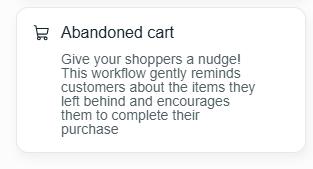
- Under Select a trigger, there will be Abandoned Cart option that you can choose.
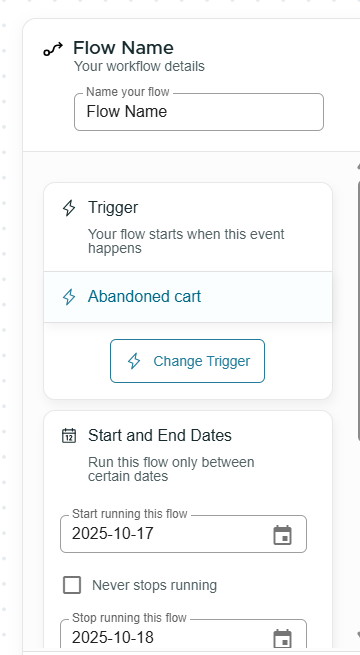
- Then, you name the flow, set the start and end date (you can choose never to expire)
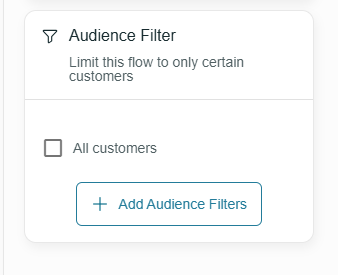
- Moreover, you select the audience you want to reach out to (it's more preferrable to reach out to all customers)
- Then, you add first action.
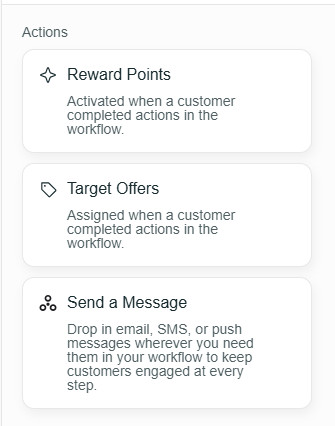
- Once you add first action, you either want to reward them with points, give them an offer or send them a message as discussed above.
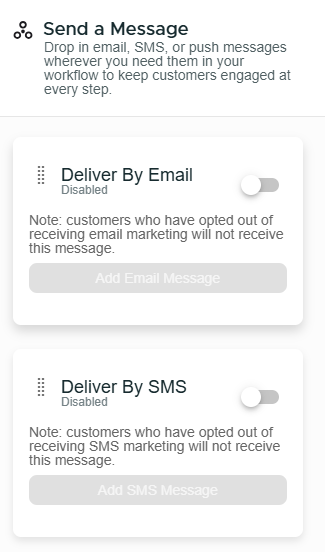
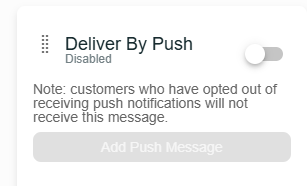
- Once you turn the toggle on for either of the three above, it provides you with the option of:
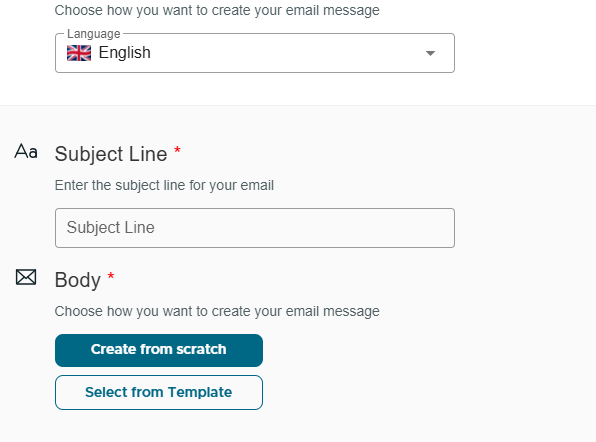
- Selecting the language - The Subject Line - Starting From Scratch - Selecting From A Template ( Which is Usually From The Kangaroo Editor)
- Then, you press on Save
- And you proceed with the Workflow