![Kangaroo-Rewards-App-Icon-BLUE-Oct-01-2025-07-47-23-2450-PM.png]](https://support.kangaroorewards.com/hs-fs/hubfs/Kangaroo-Rewards-App-Icon-BLUE-Oct-01-2025-07-47-23-2450-PM.png?height=40&name=Kangaroo-Rewards-App-Icon-BLUE-Oct-01-2025-07-47-23-2450-PM.png)
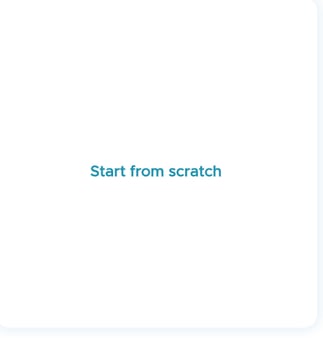
- Click on Start From Scratch in the Email Editor.
- You can add Custom Variables in the Heading and Paragraph sections.
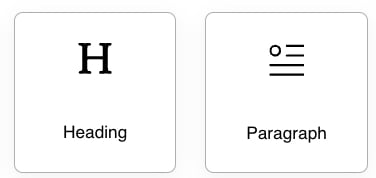
- Click and Drag the Heading or Paragraph section to the email body.
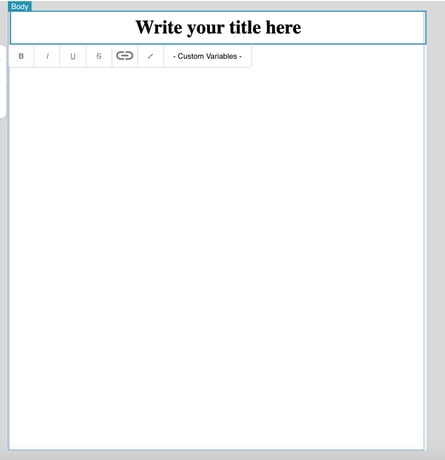
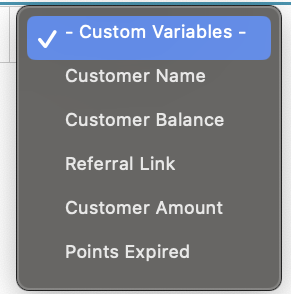
- Click on Custom Variables to get the drop down list of the available variables.
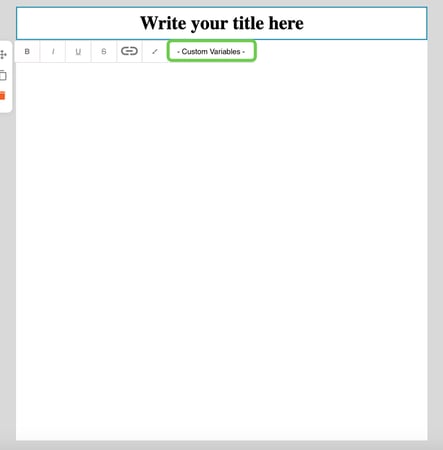
- The list includes Customer Name, Customer Balance, Referral Link, Customer Amount, Points Expired.
N.B: The variable will be replaced with the correct value once your email is sent