![Kangaroo-Rewards-App-Icon-BLUE-Oct-01-2025-07-47-23-2450-PM.png]](https://support.kangaroorewards.com/hs-fs/hubfs/Kangaroo-Rewards-App-Icon-BLUE-Oct-01-2025-07-47-23-2450-PM.png?height=40&name=Kangaroo-Rewards-App-Icon-BLUE-Oct-01-2025-07-47-23-2450-PM.png)
Follow the below steps:
- Once a customer has logged in with their phone number, email address, or QR code, click keep saving.
- On the keypad, swipe right to left. At the top right corner, click on the three dots.
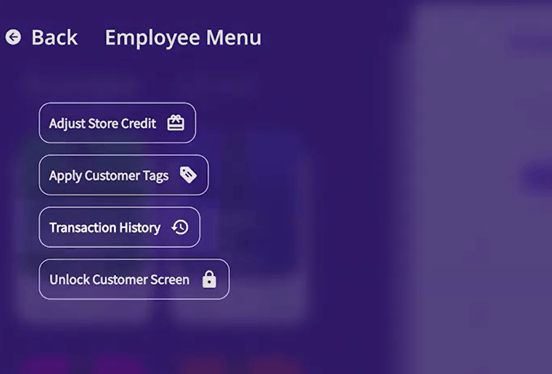
- Click the employee menu and enter your pin.
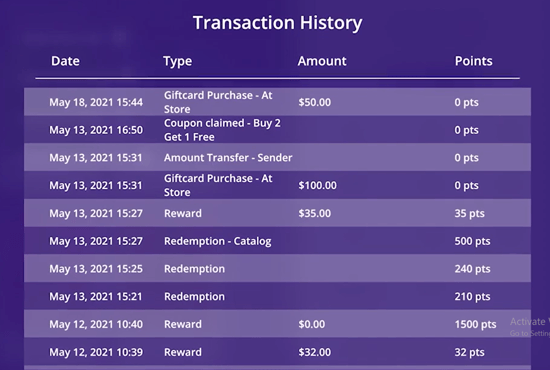
- Next click transaction history, here you will find this customer's transactions.