![Kangaroo-Rewards-App-Icon-BLUE-Oct-01-2025-07-47-23-2450-PM.png]](https://support.kangaroorewards.com/hs-fs/hubfs/Kangaroo-Rewards-App-Icon-BLUE-Oct-01-2025-07-47-23-2450-PM.png?height=40&name=Kangaroo-Rewards-App-Icon-BLUE-Oct-01-2025-07-47-23-2450-PM.png)
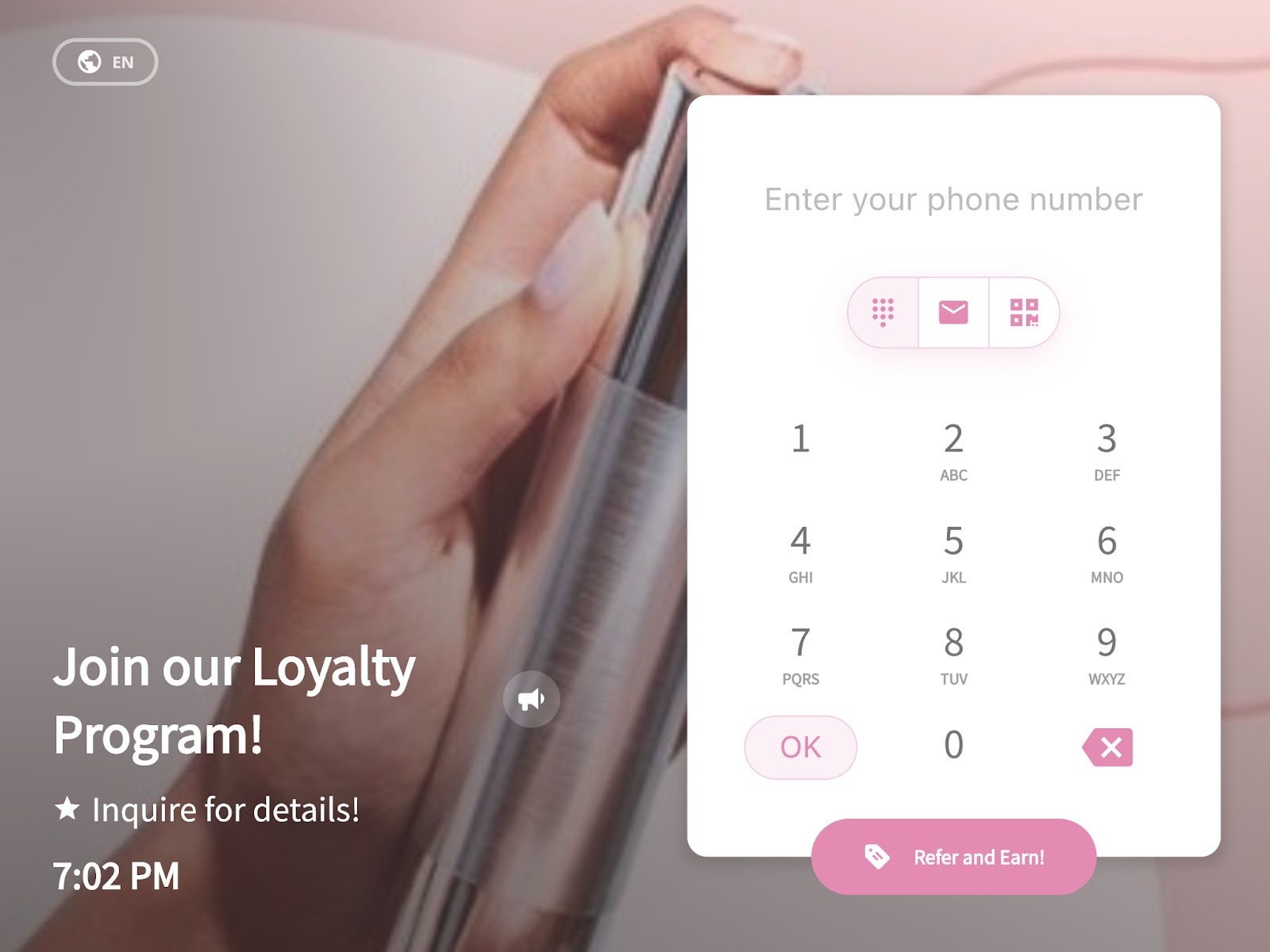
The slideshow feature allows the business to customize the slideshow that appears on the Merchant’s app (tablet/Webapp) facing the customer. The business can customize its own. This tool makes the system brandable and similar to the business’ brand identity.
Follow the below steps:
- Go to the Business Portal.
- Go to the Advanced.
-png-2.png?width=189&height=76&name=Screenshot%20(94)-png-2.png)
- Go to Slideshow.
-png-1.png?width=189&height=73&name=Screenshot%20(95)-png-1.png)
- Deactivate all the checkboxes in the General Slide section
-png.png?width=567&height=251&name=Screenshot%20(93)-png.png)
- In the Custom Slides section, click on the camera icon and upload the image.
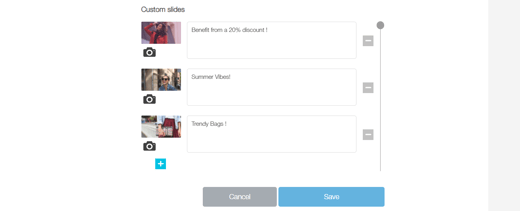
- Click Save.
After setting the slideshow up, it will appear on the merchant’s app like the below :