![Kangaroo-Rewards-App-Icon-BLUE-Oct-01-2025-07-47-23-2450-PM.png]](https://support.kangaroorewards.com/hs-fs/hubfs/Kangaroo-Rewards-App-Icon-BLUE-Oct-01-2025-07-47-23-2450-PM.png?height=40&name=Kangaroo-Rewards-App-Icon-BLUE-Oct-01-2025-07-47-23-2450-PM.png)
Here's is the flow of a transaction flow on the merchant app:
- Go to the merchant app by using the below link
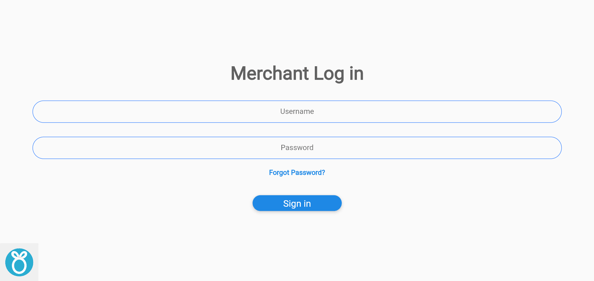
Merchant App Link - Use your business portal or the employee credentials to log in.
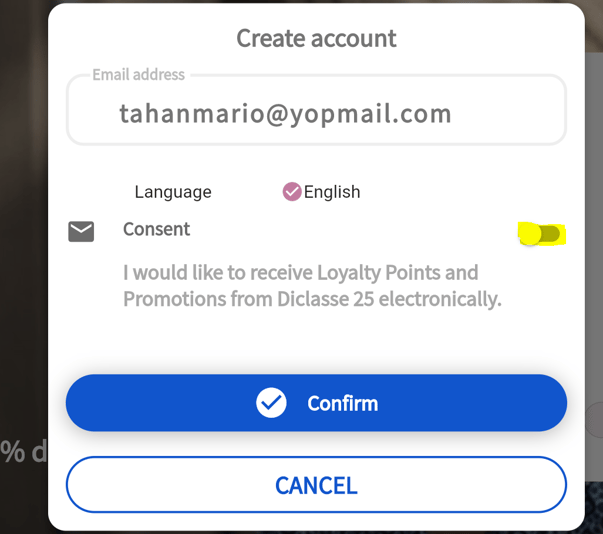
- Enter the mobile number or the email of the customer from the keypad on the right side of the screen.
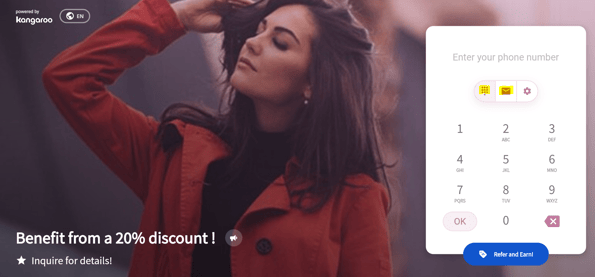
- Once you enter one of the identifiers click enter.
- Enable or disable the consent button and click Confirm.
- The employee will enter the amount of the purchase on the keypad.
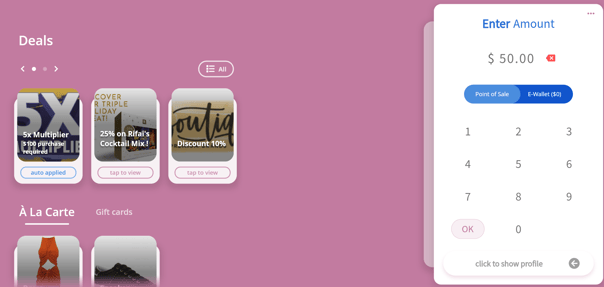
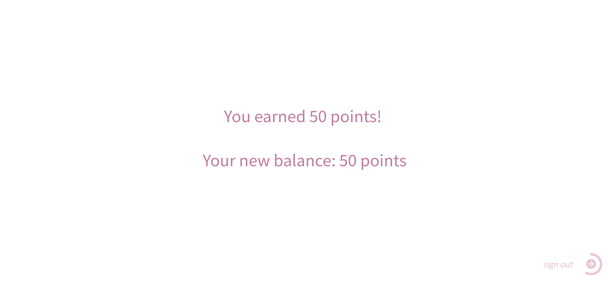
- The customer will see how many points he was rewarded for his transaction.