![Kangaroo-Rewards-App-Icon-BLUE-Oct-01-2025-07-47-23-2450-PM.png]](https://support.kangaroorewards.com/hs-fs/hubfs/Kangaroo-Rewards-App-Icon-BLUE-Oct-01-2025-07-47-23-2450-PM.png?height=40&name=Kangaroo-Rewards-App-Icon-BLUE-Oct-01-2025-07-47-23-2450-PM.png)
- Go to the Kangaroo Business Portal.
- Go to Settings.

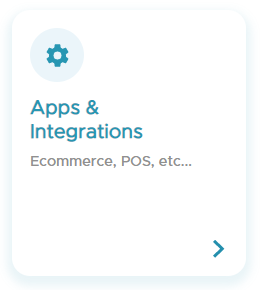
- Go to Apps & Integrations.
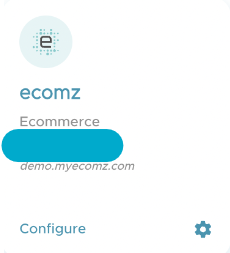
- Go to Ecomz and click on Configure.
- Choose to make customers point exempt based on the Ecomz Customer tags or Customer email domain.
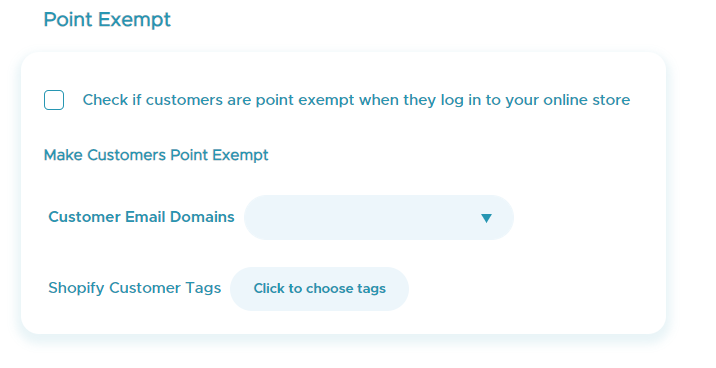
- Make sure to always enable the check box for the Check for customers who are point exempt when they log in to your online store rule.

- Click on Save to save the changes made.