![Kangaroo-Rewards-App-Icon-BLUE-Oct-01-2025-07-47-23-2450-PM.png]](https://support.kangaroorewards.com/hs-fs/hubfs/Kangaroo-Rewards-App-Icon-BLUE-Oct-01-2025-07-47-23-2450-PM.png?height=40&name=Kangaroo-Rewards-App-Icon-BLUE-Oct-01-2025-07-47-23-2450-PM.png)
The business has many options to Log out from the Merchant app.
- WebApp:
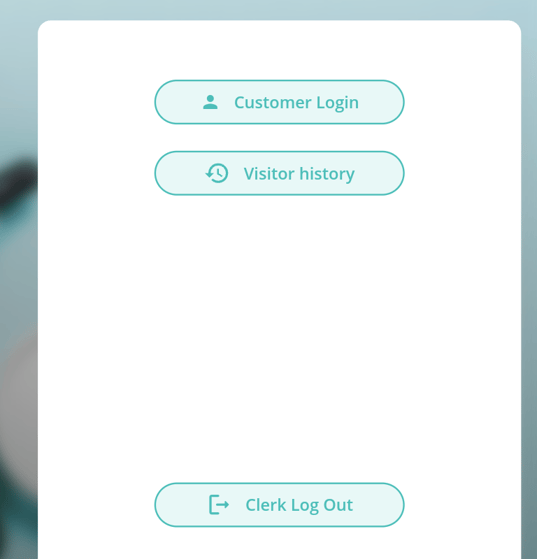
Simply tap 5 times right under the language at the top left or go to the settings icon on the keypad and click Clerk Log Out
Click the video tutorial to log out from the Merchant app on the Web App - Tablet: See 2 options below
Tap 5 times right under the language at the top left.
Swipe from right to left from the right extremity of the keypad and click Clerk Log Out