![Kangaroo-Rewards-App-Icon-BLUE-Oct-01-2025-07-47-23-2450-PM.png]](https://support.kangaroorewards.com/hs-fs/hubfs/Kangaroo-Rewards-App-Icon-BLUE-Oct-01-2025-07-47-23-2450-PM.png?height=40&name=Kangaroo-Rewards-App-Icon-BLUE-Oct-01-2025-07-47-23-2450-PM.png)
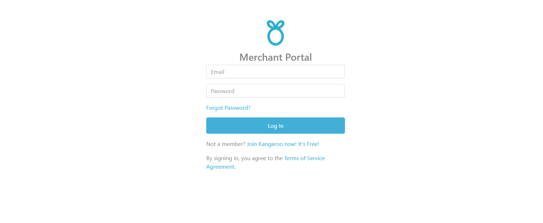
- Log in to the kangaroo Business portal.
- Go to the Settings and then go to Earning and Redeeming.
- Scroll down to the Bonus Points section and look for the Customers who sign up at my store will earn X Points rule.
- Add the number of points in the field box.

- Click on Save to save the changes made.