![Kangaroo-Rewards-App-Icon-BLUE-Oct-01-2025-07-47-23-2450-PM.png]](https://support.kangaroorewards.com/hs-fs/hubfs/Kangaroo-Rewards-App-Icon-BLUE-Oct-01-2025-07-47-23-2450-PM.png?height=40&name=Kangaroo-Rewards-App-Icon-BLUE-Oct-01-2025-07-47-23-2450-PM.png)
Take a look at this article to see how to create a regular survey
Take a look at this article to see how to create a satisfaction survey
- Go to the Kangaroo Business portal and go to the Surveys section.

- Click on the magnifying glass icon next to the survey.

- Check all the reporting such as the response distribution by day/month/year as well as comments left by customers. Also, where the business stands in terms of customer satisfaction.
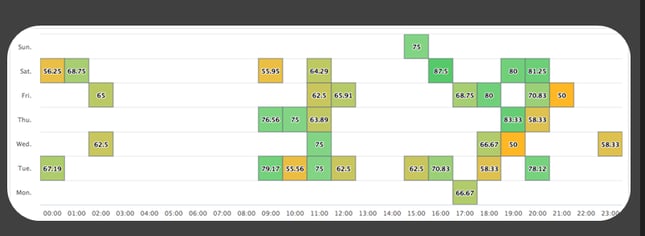
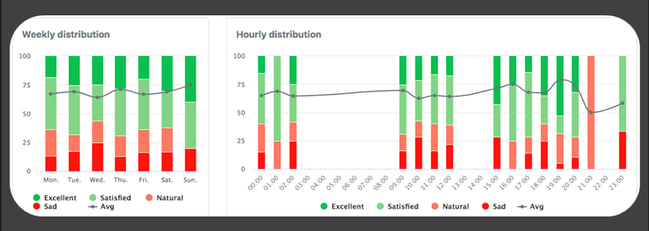
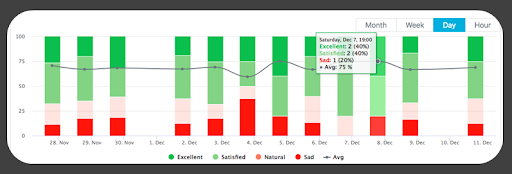
- Filter the report per question or per date and navigate through this page to see and analyze the results.